Hotpot.ai is the kind of tool people stumble into. You search for a free background remover, land on the site, and realize there are roughly thirty other AI utilities behind the same login. Photo restoration, headshot generation, product mockups, image upscaling, and a small writing assistant all sit in one dashboard. That breadth is the pitch. Rather than paying for four subscriptions, you pay one bill and get a usable version of each job. Whether the math works in your favor depends on what you make. If you sell vintage lamps on Etsy and need clean cutouts by Friday, Hotpot earns its $9. If you run a content team shipping twenty blog posts a month, it will not touch your writing stack. For pure image quality, start with our roundup of the best AI image generators.
The timing matters here. McKinsey’s State of AI research found that 78% of organizations now use AI in at least one business function, and image work is often the first place small teams feel the payoff. The market also split in two directions. Specialists like Midjourney push visual quality and charge accordingly. Generalists like Canva bundle a bit of everything and scale by seat count. Hotpot sits in a third spot: cheap, fast, and narrow. It solves ten small jobs for one person instead of one big job for a team. That position is genuinely useful, and it is also easy to outgrow. The McKinsey AI report is worth reading if you want the wider adoption picture before you buy anything.
We compared five tools across four weeks of real work: product photo cleanup, a batch of restored family scans, a landing page hero image, a hundred product descriptions, and a month of marketing email copy. Scoring covered output quality, credit limits, price per usable result, editing depth, and how much cleanup each tool leaves behind. Prices were checked in early 2026. Free tiers were tested first, because that is where most readers actually start. Our rule was simple. If a tool could not produce something we would publish without reaching for a second tool, we said so. That is why Hotpot ranks first for photo repair and last for writing. If copy is your bottleneck, read the best AI writing tools comparison instead.
One more thing before the table. None of these tools replaces a designer, and none of them saves money if you subscribe and then forget the login. The cheapest useful stack for a small team is one writing tool plus one image tool, not five of each. Start on the free tiers below, find the single job that eats your week, and pay only for the tool that fixes it. We flagged which plans justify an upgrade and which ones you can safely stay free on for a year. If budget is the hard constraint, our guide to the best free AI tools covers the plans that stay useful without a card on file.
How Do the Top Options Compare?
| Tool | Best For | Starting Price | Free Tier | Standout Feature |
|---|---|---|---|---|
| Hotpot.ai | One-off photo edits and photo restoration | $9/month Pro | Yes, daily credit allowance | AI photo restoration and background removal |
| Canva Magic Studio | Teams needing design and AI copy together | $15/month Pro per person | Yes, 5 GB storage plus limited AI credits | Brand kits and template library |
| Midjourney | Highest quality AI images | $10/month Basic | No free tier | Style and character references |
| Jasper | Marketing copy with a defined brand voice | $39/month Creator | 7-day trial only | Brand Voice and campaign workflows |
| Copy.ai | Sales and marketing workflow automation | $49/month Pro | Yes, limited monthly credits | Go-to-market workflow builder |
Prices checked in early 2026 and shown as monthly rates where an annual option costs less. AI credit allowances change often, so confirm current limits on each vendor’s pricing page before you commit to an annual plan.
1. Hotpot.ai , Best for fast one-off photo edits and restoration
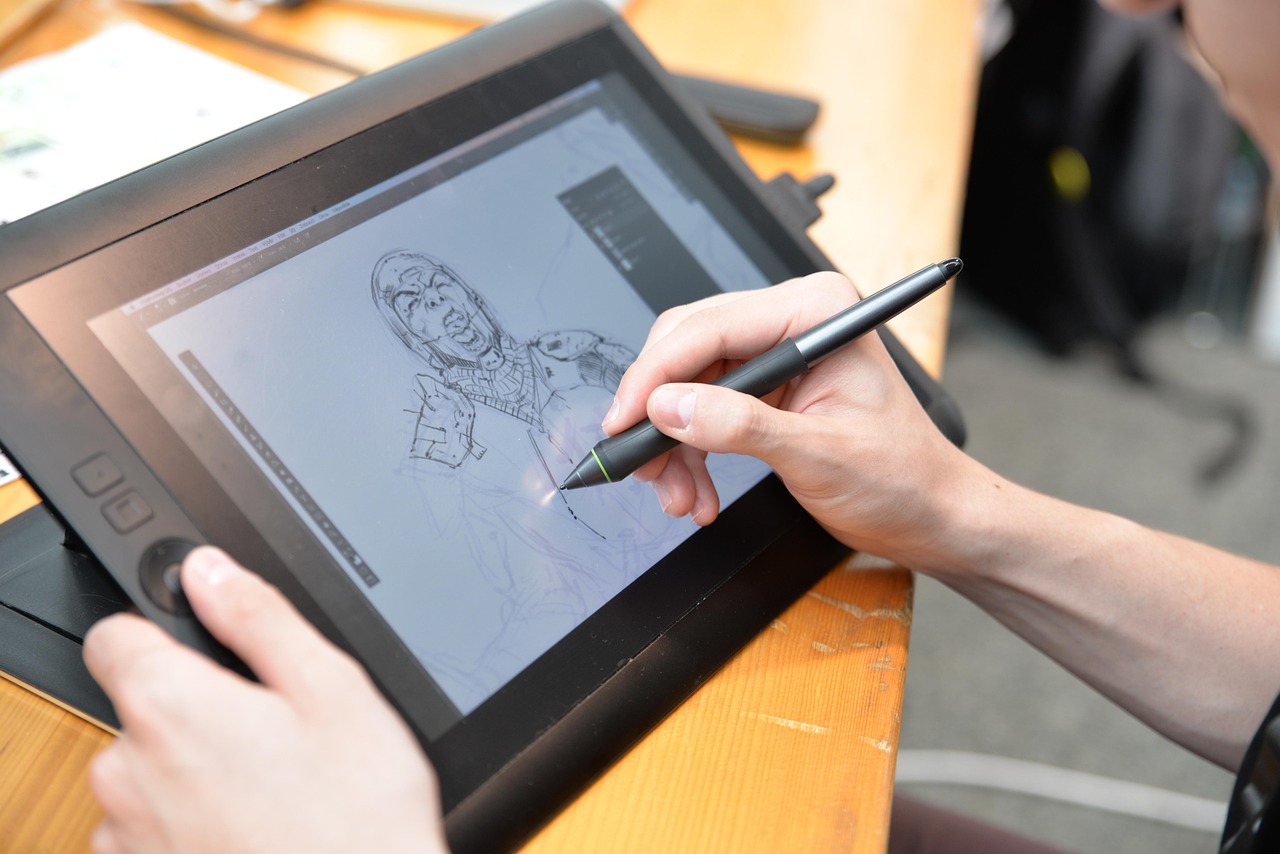
Hotpot.ai began life as a background remover and grew into a browser suite. The tool list covers image upscaling, photo colorization, scratch repair, product photo generation, avatar creation, text-to-image, and a short-form writing assistant. Nothing needs an install or a plugin. You upload a file, pick a tool, and download the result. A scanned 1968 wedding photo with a crease across the middle takes about ten seconds to clean up, and the colorization pass usually beats a manual attempt in Photoshop. That speed is the product. It turns a 40-minute editing job into a 40-second one.
Pricing is refreshingly flat. The free tier hands you a small daily credit allowance, enough for a few background removals or a couple of image generations before you hit the wall. Pro costs $9 per month, or roughly $8.25 per month if you prepay for a year, which strips the watermark and raises output resolution while adding a commercial license. The premium tools sit outside that. AI headshots run on separate credit packs, and a 60-headshot batch costs closer to a cheap photo session than to a software subscription. User review volume on G2 is thin next to Canva’s, which tells you who actually uses it. These are individuals solving a specific problem, not procurement teams comparing seat licenses.
The writing side is the weak spot, and it is worth being blunt about it. You get a paraphrasing tool, a short blog intro helper, and a handful of marketing snippets. There is no long-form editor, no brand voice profile, no SEO scoring, and no review workflow. Content marketers who buy Hotpot expecting a copywriting platform will be disappointed inside a week. If writing is your job, spend the money elsewhere.
Where Hotpot wins is utility. Background removal on hair edges holds up next to paid tools, restoration quality on damaged scans is genuinely impressive, and the upscaler handles small product photos without the plastic sheen cheaper tools produce. It loses on style. Midjourney and Canva will out-design it every time. Treat Hotpot as a repair bench rather than a design studio, and the $9 is easy to justify.
Key strengths:
- ✅ Free tier is usable: a daily credit allowance covers basic background removal and a few generations before you pay anything
- ✅ Photo restoration is the standout feature, handling scratches, fading, and colorization in one pass
- ✅ Flat $9 monthly Pro price with no per-image billing and no annual contract required
- ✅ Roughly thirty tools behind one login, so you are not stacking four separate subscriptions
- ✅ Commercial license on paid plans, which matters for Etsy sellers and print-on-demand shops
- ❌ Writing tools are thin: short-form only, with no brand voice and no long-form editor
- ❌ Credits drain fast on heavier tools, and AI headshots sit behind a separate credit pack
- ❌ No team seats, shared brand kit, or approval workflow, so it stays a single-user tool
Who it’s for: Solo creators, Etsy sellers, and small business owners who need fast one-off image edits rather than a full design platform.
2. Canva Magic Studio , Best for teams that want design and AI copy in one workspace
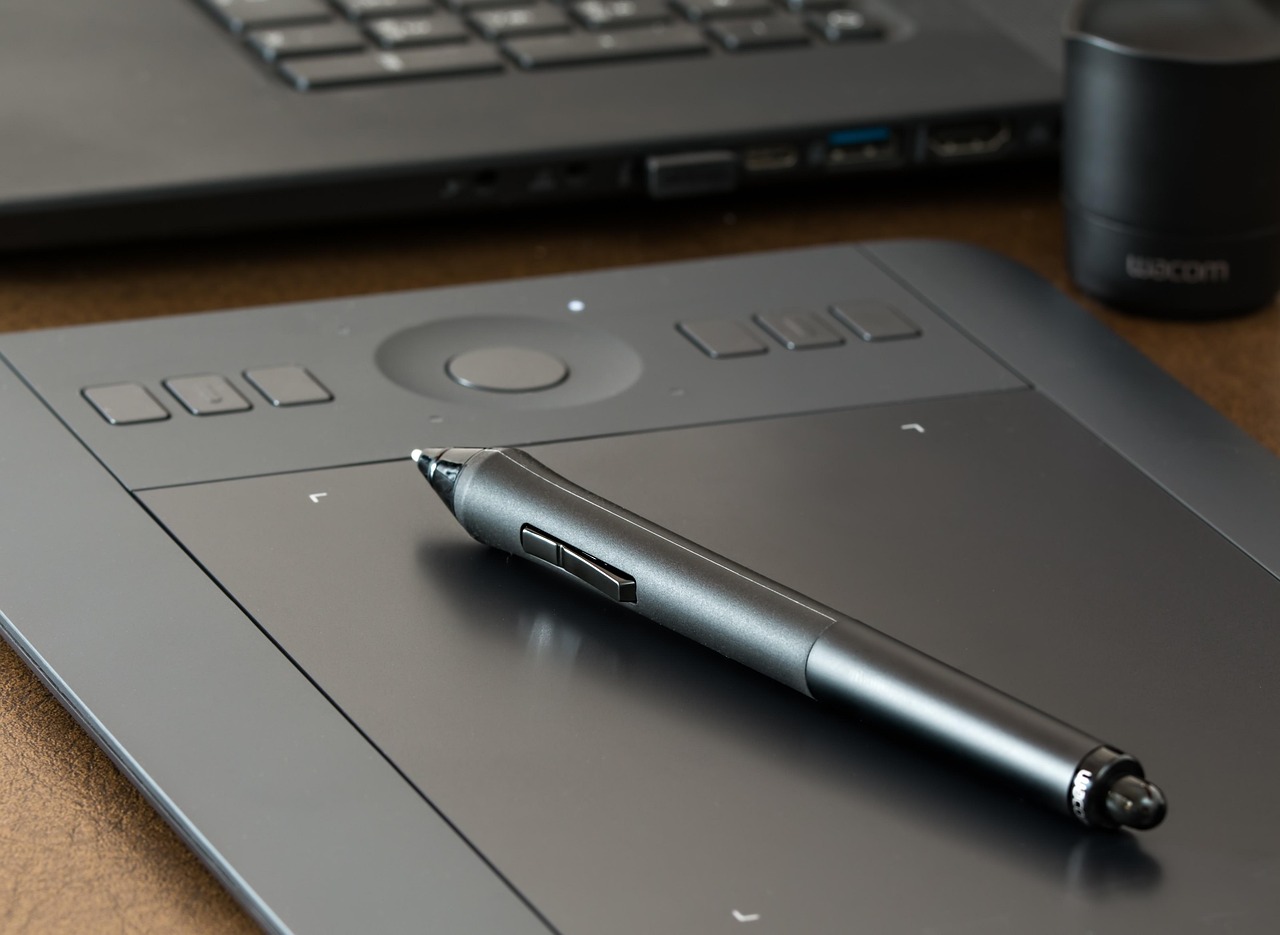
Canva is the default design tool for people who do not call themselves designers, and Magic Studio is the AI layer sitting on top of it. Magic Write drafts copy inside the same canvas where your layout lives. Magic Media generates images and short video clips. Magic Eraser, Magic Grab, and Background Remover handle the photo edits that would otherwise send you to Hotpot. The advantage is context. Your headline, your product photo, and your brand colors sit in one file, so nothing gets exported twice.
Pricing scales by seat. The free plan includes 5 GB of cloud storage and a large library of free templates, but AI features are metered with a small monthly allowance that most people burn in an afternoon. Canva Pro runs $15 per month for one person, or $120 per year, and raises that AI allowance considerably while adding brand kits, resize tools, and background removal. Canva Teams layers on collaboration and approval routing for a few dollars more per seat.
Quality is the trade-off. Magic Media images look clean and on-brand, and they rarely win a blind test against Midjourney. Text rendering inside generated images improved a lot in 2025 and still breaks on long strings. For social posts, slide decks, and simple ads, that gap does not matter. For the hero image on a paid landing page, it does.
The reason to pick Canva over Hotpot is workflow, not output. You can hand a template to a teammate and get a finished asset back without a single email. Hotpot has no answer for that. The reason to pick Hotpot over Canva is speed on a single photo, since Canva loads a full canvas for a job that needs one button.
Key strengths:
- ✅ One workspace for design and AI copy, so nothing gets exported between tools
- ✅ Brand kit keeps fonts, colors, and logos consistent across every asset a team produces
- ✅ Real-time collaboration and approval flows make it the only option here built for teams
- ✅ Free plan includes 5 GB of storage plus a large template library, enough to test the workflow
- ✅ Resize and repurpose tools turn a single design into ten platform-specific versions
- ❌ AI image quality trails Midjourney and Hotpot on photo restoration tasks
- ❌ Free plan’s AI allowance disappears quickly, and the best features sit behind Pro
- ❌ Complex multi-page designs get slow in the browser, especially on older laptops
Who it’s for: Marketing teams and small businesses that need a shared design system with AI copy built into the same canvas.
3. Midjourney , Best for pure image quality and campaign consistency
Midjourney is still the benchmark for image aesthetics. The current model produces lighting, texture, and composition that general-purpose tools cannot match, and the web editor that replaced the old Discord-only workflow made it far easier to iterate without memorizing parameters. Style references, character references, and the personalization profile let you lock a look across a whole campaign instead of hoping each prompt lands in the same place.
Cost is straightforward and there is no free tier. Basic runs $10 per month with roughly 200 fast generations. Standard is $30 per month with 15 hours of fast GPU time and unlimited relaxed generations, which is the plan most working designers pick. Mega is $120 per month for heavy batch work. There is no background remover, no photo restoration, and no writing assistant. You are paying for one thing done extremely well.
Compare that against hosted alternatives. OpenAI’s image models are available through the OpenAI platform with per-image API pricing, which makes more sense when you generate images programmatically inside an app. Hotpot charges a flat $9 for a toolbox. Midjourney charges for taste, and it is the only one of the three that a client will notice.
The friction is real. Prompting is a skill, and the first fifty images you make will be mediocre. There is no template library and no drag-and-drop editor. Teams also report that unlimited relaxed mode runs slower than they expect during peak hours. If you need one good image a week for a blog post, this is overkill. If visuals are the product, nothing else here competes. We go deeper in our Midjourney breakdown.
Key strengths:
- ✅ Best image quality in this comparison, especially for lighting, texture, and composition
- ✅ Style and character references keep a campaign visually consistent across dozens of assets
- ✅ Standard plan’s unlimited relaxed mode makes high-volume iteration affordable
- ✅ Active community and constant model updates, with new versions shipping every few months
- ✅ Web editor removes the old Discord learning curve for basic work
- ❌ No free tier and no trial, so you pay $10 before you see a single result
- ❌ No editing utilities at all: no background removal, restoration, or upscaling pipeline
- ❌ Prompting takes practice, and inconsistent early results frustrate new users
Who it’s for: Designers, agencies, and creators whose output depends on distinctive, high-quality visuals.
4. Jasper , Best for marketing copy that has to match a brand voice
Jasper is the writing tool built for marketing departments rather than solo bloggers. Brand Voice and the Knowledge Base sit at the center of it. You feed in samples of existing content plus a product fact sheet, and every generation pulls from those constraints, which is the difference between copy that sounds like your company and copy that sounds like a generic AI draft.
Pricing starts at $39 per month for the Creator plan on one seat, with Pro at $59 per seat for teams. There is a 7-day free trial and no permanent free plan. That entry price stings compared with Copy.ai and Writesonic, and it is the most common reason people walk away. The counterargument is simple. A single marketer can produce a month of campaign copy in an afternoon, which costs less than the freelance invoice it replaces.
The integrations are where Jasper pulls ahead of every other writer here. It connects to Surfer SEO for on-page optimization, pulls from Google Docs and your CMS, and runs campaign workflows that push finished drafts into the tools your team already uses. You can generate a blog post, an email sequence, and five ad variants from one brief without re-explaining the context five times.
Output still needs a human. Jasper writes confident, clean marketing prose, and it will happily invent a statistic if you let it. Every claim gets checked. The plagiarism and AI detection features help, and they do not replace an editor. Read our full Jasper AI review for workflow details and current plan limits.
Key strengths:
- ✅ Brand Voice and Knowledge Base keep output consistent across an entire team
- ✅ Campaign workflows generate a blog post, emails, and ads from a single brief
- ✅ Deep SEO integration through Surfer, which no other writer in this list matches
- ✅ Team seats, shared assets, and review features make it manageable at scale
- ✅ Mature templates for the marketing jobs that actually recur every month
- ❌ $39 per month minimum with no free plan, which is steep for occasional use
- ❌ Drafts still contain invented facts and need a careful human edit
- ❌ Interface carries more options than a solo writer will ever need
Who it’s for: Marketing teams with an established brand voice that publish frequently and need consistency at volume.
5. Copy.ai , Best for sales and marketing workflow automation
Copy.ai stopped being a straight Jasper competitor about two years ago. The pitch now centers on go-to-market workflows: lead enrichment, sales outreach, content repurposing, and automated sequences that run from a trigger rather than a prompt. The writing engine is still there underneath, and the marketing side of the product is thinner than it used to be.
The free plan is the most generous entry point in this comparison. It gives you a limited monthly credit pool, enough for light experimentation and a couple of small projects, though the better models and workflow steps stay locked. Pro is $49 per month, which buys workflow runs, integrations, and more seats than the free tier allows.
Workflows are the reason to pay. You can wire a form submission into a research step, a draft, and a CRM update without touching code, and the result lands in HubSpot or Salesforce automatically. For a two-person sales team, that is worth more than better prose. For a blogger, it is dead weight.
The honest downside is focus. Copy.ai does a lot of things adequately and few things exceptionally. Its long-form output trails Jasper, it has no image tools at all, and the workflow builder has a learning curve that surprises people expecting a template gallery. Pick it when automation is the point. Read our Copy.ai review before you commit to an annual plan.
Key strengths:
- ✅ Free plan with a monthly credit allowance lets you test workflows without a card
- ✅ Workflow builder automates research, drafting, and CRM updates in one chain
- ✅ Native HubSpot and Salesforce connections push finished output where sales works
- ✅ Cheaper per seat than Jasper at the Pro tier for small teams
- ✅ Handles both short-form copy and multi-step process automation
- ❌ Long-form writing quality sits below Jasper and needs heavier editing
- ❌ No image or design tools, so it cannot replace any visual workflow
- ❌ Workflow builder has a real learning curve and thin documentation for edge cases
Who it’s for: Sales and marketing operations teams that want copy generation wired directly into automated processes.
Frequently Asked Questions
Is Hotpot AI free to use?
Yes. There is a free tier with a daily credit allowance that covers basic background removal and a few image generations. Pro costs $9 per month and removes the watermark while adding higher resolution output and a commercial license.
What is Hotpot AI actually best at?
Photo restoration and background removal. Scratched and faded scans, colorization, and clean cutouts are where it beats tools that cost three times as much.
Can Hotpot AI write blog posts?
No. It offers short-form helpers for snippets and paraphrasing only. Long-form content needs a dedicated writing tool like Jasper, Copy.ai, or Claude.
Is Hotpot AI output safe for commercial use?
Paid plans include a commercial license. Free tier output carries a watermark and limits resolution, so upgrade before you sell anything made with it.
How does Hotpot AI compare with Canva?
Canva is a design platform with templates, brand kits, and collaboration. Hotpot is a fast utility bench for single-image jobs. Teams should pick Canva, while solo sellers usually get more value from Hotpot.
Should I choose Midjourney or Hotpot AI for images?
Midjourney wins on visual quality, styling, and consistency across a campaign. Hotpot wins on editing tasks like restoration, upscaling, and background removal. Plenty of people end up paying for both.
What Should You Remember?
- Hotpot.ai costs $9 per month for Pro, which removes watermarks, raises output resolution, and adds a commercial license.
- Photo restoration is the strongest reason to buy, handling scratches, fading, and colorization in a single pass.
- Skip Hotpot for writing. There is no long-form editor, no brand voice control, and no team workflow.
- Canva Pro at $15 per month wins for teams because brand kits and shared approvals do not exist anywhere else in this list.
- Midjourney has no free tier and starts at $10 per month, but it produces better images than anything else here.
- Jasper and Copy.ai solve different problems. Jasper writes marketing copy at volume, Copy.ai automates the process around it.
This article is for general information only. AI tool capabilities, pricing, and features change frequently , always verify current details on the vendor’s own site. Some links may be affiliate links that support this site at no cost to you.