Update (November 2026): Sora has been discontinued. OpenAI shut down the Sora web and app experiences on April 26, 2026, and the Sora API on September 24, 2026. It is no longer an option and has been removed from this comparison. See the note at the bottom of this article.
AI video generation matured fast between 2024 and 2026. You no longer need a short film budget to create usable B-roll, product shots, or social clips. But the field is crowded and moves quickly, so we narrowed this comparison to three names creators actually use today: Runway, Kling, and Pika. Each one takes a different angle on text-to-video. Runway builds an editing suite around its models. Kling competes on motion quality and price. Pika chases fast social content. G2’s video generation category now lists dozens of products, but these three keep rising in user reviews. If you want the full best AI video tools 2026, this guide helps you sort through the crowd.
Methodology matters because specs hide real workflow friction. We compared public pricing, free tier limits, max clip length, resolution, camera controls, and editing tools. We also timed how quickly each tool generates a test clip from the same prompt. Stanford HAI research shows generative video tools moving from novelty to production use, especially in marketing and creative teams. That means your choice should depend on the job. A 15-second product loop may be perfect in Pika but annoying in Runway’s credit system. A two-minute atmospheric shot is possible in Kling but harder to control. For free test workflows, scan our best free AI tools 2026 roundup.
Most buyers make the mistake of starting with resolution. Resolution matters, but motion consistency and editing control matter more. Kling can show a dancer moving smoothly through multiple rooms but make faces morph. Runway gives you the tools to fix some of that. Pika gives you a quick result and expects you to post it, not perfect it. If you come from still images, our best AI image generators 2026 guide explains how still-image prompts differ from video prompts. Video adds time, object permanence, and camera behavior. That changes how you should evaluate a tool.
Who should buy what? Solo creators on small budgets will lean Kling or Pika. Agencies and production teams should look at Runway. Marketing teams that need short product demos will use Pika. Filmmakers testing storyboards will go back to Runway. There is no single winner for every use. This comparison calls out the tradeoffs so you can pick the tool that fits your actual output, not the one with the biggest demo reel. The goal is to stop paying for credits you do not use and start shipping clips.
How Do the Top Options Compare?
| Tool | Best For | Free Tier | Starting Paid Plan | Max Clip Length |
|---|---|---|---|---|
| Runway | Editing and post-production control | Limited one-time credits for new users | $15/user/month for 625 credits | 15 seconds per generation |
| Kling | Budget experimentation and long motion | 166 credits per month | $10/month for 660 credits | 2 minutes with extensions |
| Pika | Short social clips | 30 free credits | $10/month for 300 credits | 8 seconds per clip |
Pricing and limits reflect early 2026 public plans. Credits reset monthly and may not roll over. Lower paid tiers often cap resolution or watermark output. Check each vendor’s current pricing before purchase.
1. Runway , Best for Production Editing and Control
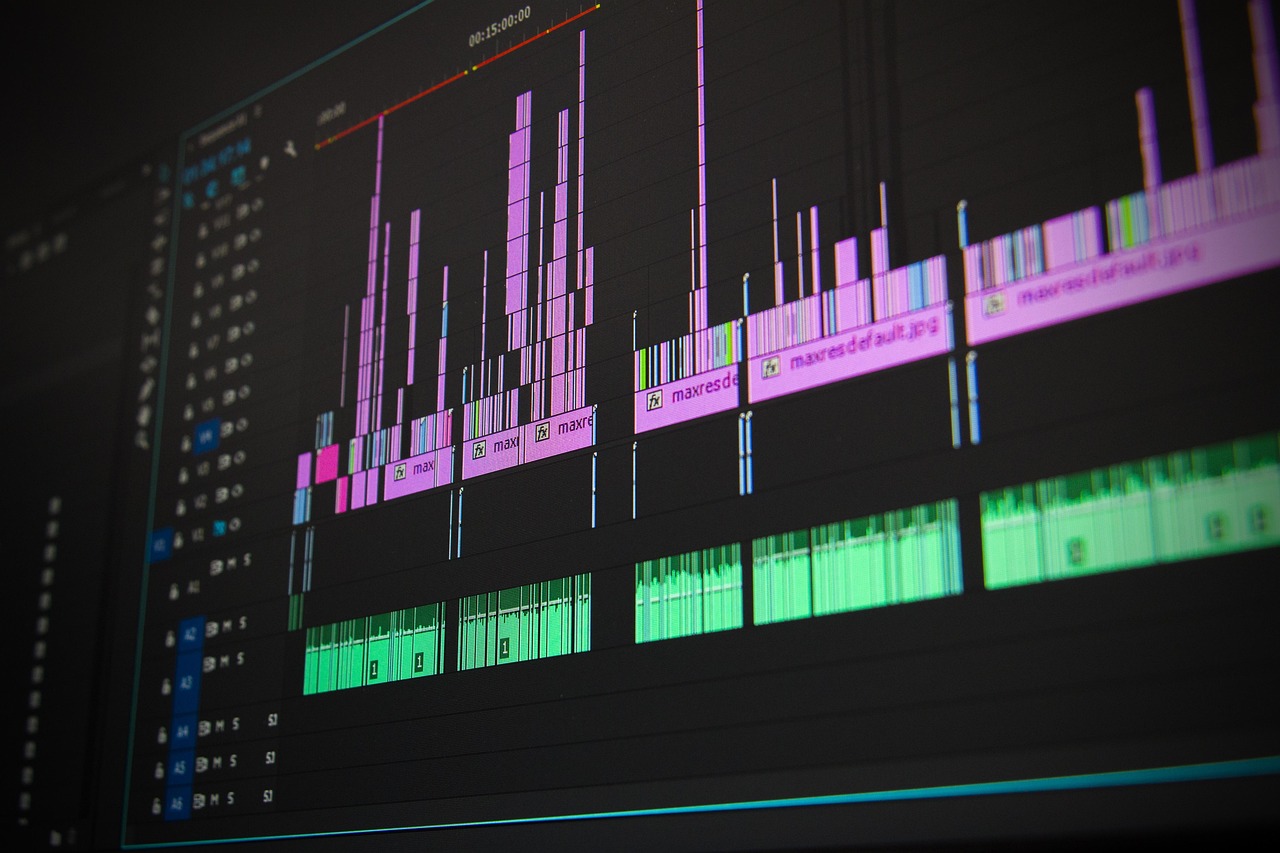
Runway is not just a generator. It is a video suite built around generative models. The tool gives you a timeline, Motion Brush, camera controls, green screen, and object removal. That changes the workflow. Instead of generating a clip and hoping, you generate a base shot, mask the subject, adjust motion, and composite in the same tool. Standard pricing runs $15 per user per month for 625 credits, which lands somewhere around a few minutes of generated video depending on resolution and duration. New accounts get a small one-time credit pack to test. Best AI automation tools 2026 covers how teams connect Runway to larger production pipelines.
Runway’s biggest downside is credit burn. A single 1080p clip can consume a large share of the monthly 625 credits. You get precision but you pay for it in tokens and render time. The free trial is limited, so serious testing quickly leads to the Standard or Pro plan. For professional video editors, the camera controls and ability to extend clips justify the cost. For casual users, Runway feels heavy. The interface is deeper than Pika or Kling, and you may spend more time learning than generating. Still, no other option in this group gives you this many post-production tools.
Key strengths:
- ✅ Best editing toolset with Motion Brush and camera controls
- ✅ Timeline, masking, and compositing not found in the others
- ✅ Frequent model updates and strong API access
- ✅ Good team collaboration and asset management
- ❌ Credits deplete quickly at higher resolutions
- ❌ Free trial is limited and not enough for production use
- ❌ Interface can overwhelm first-time users
Who it’s for: Choose Runway if you need exact camera moves, masking, or post-production control in one suite.
2. Kling , Best for Budget Experimentation and Long Motion
Kling wins on free access and fluid motion. The free plan gives 166 monthly credits, enough to test multiple prompts before paying. A paid plan starts around $10 per month for 660 credits, which is cheaper than Runway. That budget makes Kling the default choice for creators experimenting with surreal camera moves, dance sequences, and long takes. Its motion engine handles complex movement well, often with fewer floating artifacts than older models. For side-by-side alternatives, our best AI video tools 2026 guide pairs Kling with other low-cost tools.
The tradeoff is polish and support depth. Kling’s interface is decent but less connected to Adobe-style workflows than Runway. English help docs and community tutorials are improving, but still thinner than Runway’s resources. Faces can morph in long shots, especially when a subject turns away and returns. You may need to generate several versions and splice the best takes. That said, the free plan is generous enough to learn without spending. If you are new to AI video, start here.
Key strengths:
- ✅ Most generous free credit allowance of the group
- ✅ Low-cost paid plan at roughly $10 per month
- ✅ Fluid, complex motion and long takes
- ✅ Supports longer clips and extensions
- ❌ Face morphing and object consistency still fail on long shots
- ❌ Smaller English documentation and community compared to Runway
- ❌ Limited advanced editing features
Who it’s for: Choose Kling if you want to learn AI video and run many experiments without spending much.
3. Pika , Best for Short Social Clips and Memes
Pika is built for speed. The free plan gives around 30 credits, and the paid plan starts near $10 per month for 300 credits. You can turn a still image into a motion clip, add lip sync, expand a canvas, or create a short product loop in seconds. Pika’s real advantage is low friction. You type a short prompt, pick a vertical format, and download a clip sized for Shorts, Reels, or TikTok. That speed makes it useful for creators who need many small clips on a daily schedule.
Do not expect Runway-level realism or control. Pika clips are short, usually around 8 seconds, and complex scenes can look video game-like. The tool is strongest when you treat it as a social content engine, not a film production suite. For simple product shots, Pika gets the job done before Kling finishes rendering. The paid plan is cheap enough to keep around even if you use another tool for hero videos.
Key strengths:
- ✅ Fast generation for short vertical clips
- ✅ Simple interface with almost no learning curve
- ✅ Good image-to-video and lip sync for social content
- ✅ Affordable paid plan around $10 per month
- ❌ Short max clip length limits use for storytelling
- ❌ Less realistic in complex scenes than Runway or Kling
- ❌ Few advanced timeline or camera controls
Who it’s for: Choose Pika if you need fast social clips, memes, or product loops without learning a complex editor.
Sora Is Discontinued
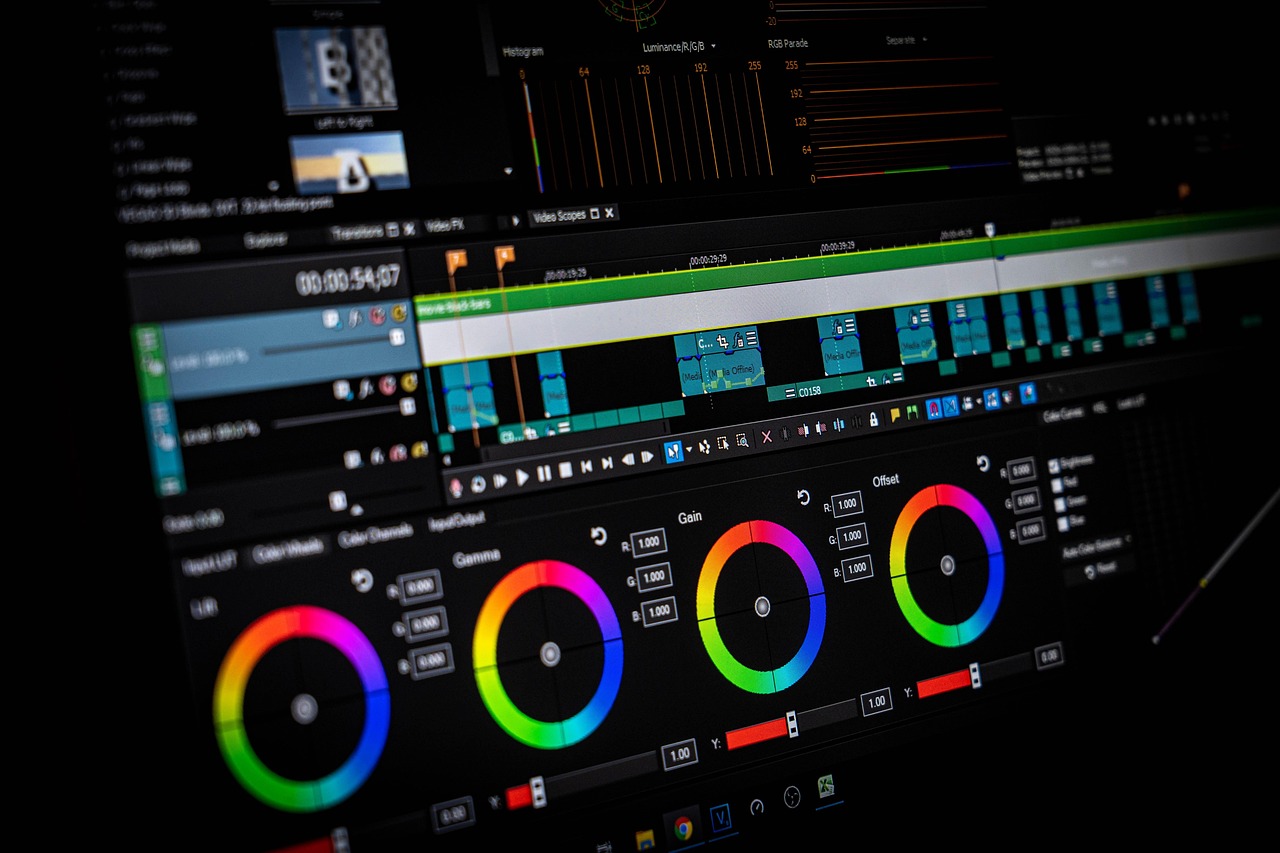
Sora is no longer an option. OpenAI discontinued the Sora web and app experiences on April 26, 2026, and shut down the Sora API on September 24, 2026. Earlier versions of this article ranked Sora first for prompt fidelity, but recommending a discontinued tool is misleading, so we removed it from the main comparison.
If you previously relied on Sora for cinematic text-to-video, Runway is the closest substitute for production work, and Kling offers strong motion quality at a lower price. OpenAI’s image generation tools and video features now live inside ChatGPT rather than a standalone Sora app, but the dedicated Sora product and API are gone.
Frequently Asked Questions
Which AI video generator is best in 2026?
Runway wins for most creators because it pairs strong generation with editing controls. Kling is the best budget option with a generous free tier, and Pika is best for fast social clips.
Is Sora still available?
No. OpenAI discontinued the Sora web and app experiences on April 26, 2026, and the Sora API on September 24, 2026. For cinematic text-to-video, Runway or Kling are the current alternatives.
What is the cheapest AI video generator?
Kling and Pika both start near $10 per month. Kling offers a more generous free plan with 166 monthly credits, while Pika gives around 30 free credits.
Which tool is best for editing generated video?
Runway is the clear winner. It includes a timeline, Motion Brush, camera controls, masking, and object removal tools that Kling and Pika do not match.
Can these tools generate 4K video?
Some paid Runway plans support upscaled 4K output, but native generation on most entry plans is 720p or 1080p. Check each plan’s current resolution limits before subscribing.
Do AI video generators add watermarks?
Most free and lower-cost plans apply a watermark. Runway paid plans can remove watermarks depending on tier. Read the plan details carefully.
What Should You Remember?
- Best overall: Runway gives the strongest mix of generation quality and editing control for most paid users.
- Best free tier: Kling provides 166 monthly credits, enough for real experiments without payment.
- Fast social clips: Pika turns images into short vertical videos faster than the other two.
- Sora is discontinued: OpenAI shut down Sora’s app in April 2026 and its API in September 2026.
- Pricing: Runway starts around $15 per month, while Kling and Pika start around $10 per month.
- Editing control: Only Runway offers Motion Brush, camera controls, and a timeline at this price.
- Output limits: Clip length runs from about 8 seconds on Pika to roughly 2 minutes on Kling.
This article is for general information only. AI tool capabilities, pricing, and features change frequently , always verify current details on the vendor’s own site. Some links may be affiliate links that support this site at no cost to you.