
Building an AI-powered blog in 2026 is not just about generating posts. You need a workflow that handles topic research, drafting, SEO, image generation, and code tweaks. Most writers still grab one tool and push it through every stage. That leads to bland posts and wasted money. I tested five tools on a real WordPress blog with 12 posts to see which ones actually earn their subscription. The short answer is that no single tool does everything well. ChatGPT drafts fast, Claude edits with more nuance, Gemini gives you huge context on a budget, Cursor fixes your site code, and n8n automates the boring publishing steps. Your stack should match the stage.
For this guide, I set up a fresh WordPress install and used a basic theme. I wrote 12 posts with AI assistance at different stages. I timed each draft, checked SEO basics manually, and tracked monthly cost. I used the best AI SEO tools to cross-check keyword data and beginner-friendly AI blog prompts to keep output consistent. The goal was to find the cheapest practical stack for a solo blogger who wants to publish three to five posts per week without sounding like a robot. I also watched where each tool broke down. Cursor seems amazing until you realize you only needed one CSS fix. n8n feels powerful until you spend an afternoon debugging a webhook.
AI adoption numbers keep climbing. Stanford HAI research shows that content teams keep adding AI tools, but the gap between basic use and real productivity remains wide. Many writers still tweak prompts after the first draft instead of switching tools for the job. Our guide on why AI writing lacks personality explains the editing side. For this article, I focused on the build side: the tools that move a post from idea to published page. If you only remember one thing, let it be this: drafting tools are not automation tools. Paying for both is fine, but only if you use both.
On pricing, a solo stack rarely needs to exceed $40 per month. ChatGPT Plus, Claude Pro, and Cursor Pro each cost $20. Gemini AI Pro costs $19.99. n8n can be free if you self-host. The free tiers work for testing, but they are tight. ChatGPT Free limits you to intermittent model access. Claude Free gives you a handful of Sonnet messages per day. Gemini Free is the most generous with a huge context window, but it still pushes you toward Google Workspace. The real cost is time. Pick two tools and learn them. A $40 stack you use beats a $100 stack you ignore.
How Do the Top Options Compare?
| Tool | Best For | Starting Price | Key Limit | Automation |
|---|---|---|---|---|
| ChatGPT | Fast drafting and research | $20/mo Plus | 128K context on paid models | Web browsing and scheduled prompts |
| Claude | Long docs and tone editing | $20/mo Pro | 200K context window | Projects and MCP |
| Gemini | Budget and Google Docs | Free tier; $19.99 AI Pro | 1M token context | Google Apps Script |
| Cursor | Site code tweaks | $20/mo Pro | 2,000 completions/mo | Agent and terminal |
| n8n | Publishing automation | Free self-hosted; Cloud from ~€24/mo | Free self-hosted | Full multi-step workflows |
Pricing reflects published 2026 tiers and can change. Free-tier limits vary by region and usage.
1. ChatGPT , Fast drafting and topic research

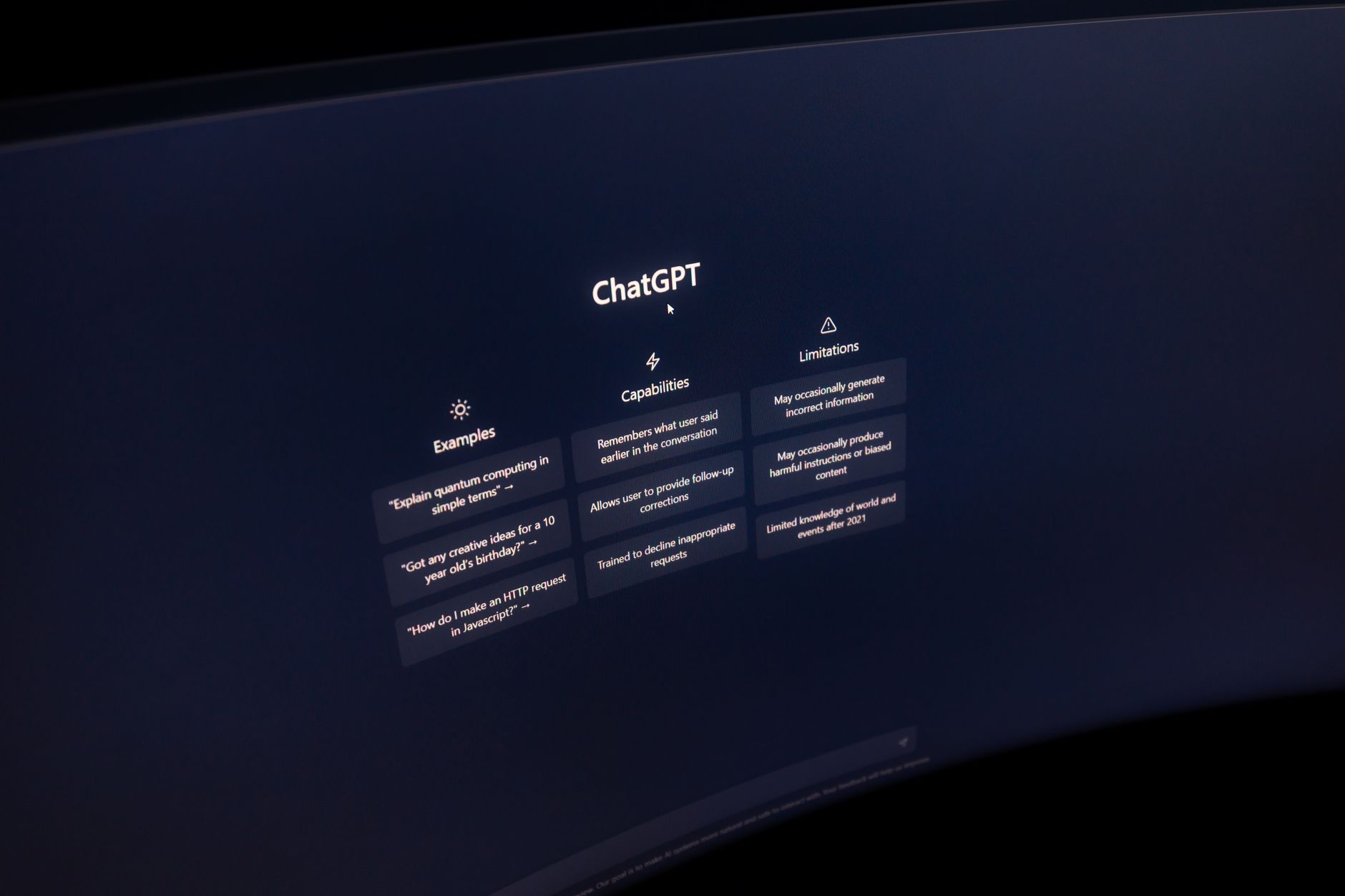
ChatGPT Plus costs $20 per month and includes GPT-4o access, web browsing, and image generation. I used it for first drafts, headline lists, and quick competitor summaries. The model returns a full 1,200-word draft in under 90 seconds when the prompt is clean. But clean prompts require work. If you ask it to write a blog post without a target persona, you get exactly the generic output you fear. Our ChatGPT vs Claude blog writing breakdown goes deeper on that split.
For SEO tasks, ChatGPT handles keyword clustering and outline creation well. I fed it a topic, target keyword, and three sample headlines. It produced a decent H2 outline in one pass. The paid plan’s browse mode is useful for fact-checking recent news, but it can still hallucinate sources. Treat every statistic as unverified until you click through.
The biggest frustration is tone drift. Without a detailed style guide, ChatGPT writes in the same upbeat, adjective-heavy voice. I had to edit for rhythm and cut clichés. That is normal, but it costs time. OpenAI updates pricing and model access often, so check the OpenAI pricing page before paying.
Key strengths:
- ✅ Fast first drafts with browse mode for recent facts
- ✅ Includes image generation for featured images
- ✅ Large library of prebuilt SEO prompts
- ✅ Reliable outlines and keyword clustering
- ❌ Tone drifts into generic marketing voice without strict style rules
- ❌ Hallucinated sources still require manual verification
- ❌ Free tier caps model access and can throttle during peak hours
Who it’s for: Solo bloggers who want one paid tool for drafting, research, and headline ideas.
2. Claude , Long documents and nuanced editing
Claude Pro costs $20 per month and unlocks a 200K token context window. I pasted an entire 4,000-word style guide, three previous posts, and a keyword brief without trimming. That is the main reason I recommend Claude for writers who already have a clear voice. The model respects length limits and follows multi-step editing instructions better than most. For a 2,500-word pillar page, Claude kept the H2 structure intact and avoided repeating examples. The Anthropic pricing page lists current limits and model tiers.
Where Claude falls short is speed and image work. It does not generate blog graphics, so you pair it with something like DALL-E or an external image tool. Drafts can take longer, especially when you ask for chain-of-thought reasoning or long edits. That tradeoff is worth it for technical or nuanced posts. I used Claude for my money and health articles because it sounded less like a content farm and more like a human editor.
One practical tip: use Projects to store your brand voice, target audience, and past edits. That memory cuts repeated instructions by half. I would not use Claude as your only tool if you need quick image generation or very fast first drafts. But for writing quality, it is the strongest of the three chatbot options.
Key strengths:
- ✅ 200K token context handles long style guides and briefs
- ✅ Better tone control for nuanced or technical posts
- ✅ Projects feature stores brand voice and past edits
- ✅ Respects multi-step editing instructions
- ❌ No native image generation for featured images
- ❌ Slower output than ChatGPT for quick drafts
- ❌ Free tier limits Sonnet messages each day
Who it’s for: Bloggers who prioritize natural writing and long documents over speed and image generation.
3. Gemini , Budget and Google Workspace users
Gemini AI Pro costs $19.99 per month and gives you a 1,000,000 token context window. That is roughly five times Claude’s paid context. I used Gemini to compare 20 competitor articles side by side without splitting files. The free tier is also the most useful free chat tool I tested. You can paste a long PDF and ask for a summary without hitting a paywall immediately. For bloggers already inside Google Docs and Gmail, the integration saves real time. Draft a post in Docs, then ask Gemini to rewrite it in your style without switching tabs.
The writing quality is the weak point. Gemini often produces correct but slightly flat sentences. It can handle short listicles and news summaries well. For long-form opinion pieces, I had to edit more than I did with Claude. It also sometimes overuses bullet points and bold headers. That can be fine for SEO skimmability, but it makes every post feel like a help center article.
If budget is your main constraint, start with Gemini. The near-free path from research to Google Docs is hard to beat. Just add a human edit pass. Google’s paid tier includes real-time Search grounding, which reduced my fact-checking time for evergreen posts.
Key strengths:
- ✅ 1M token context window at $19.99 per month
- ✅ Strong Google Docs and Gmail integration
- ✅ Real-time Search grounding for fact checks
- ✅ Free tier is generous for long PDFs and research
- ❌ Writing can feel flat and over-bulleted
- ❌ Long-form editing requires more human cleanup than Claude
- ❌ Some advanced features push you toward Google Workspace
Who it’s for: Budget-conscious bloggers who already use Google Workspace and need huge context.
4. Cursor , Theme and site code tweaks
Cursor Pro costs $20 per month and includes around 2,000 fast completions. I used it to edit a WordPress child theme, fix a JavaScript mobile menu, and speed up my site. The agent mode can change multiple files at once, which saved me from clicking through 12 template files manually. If you can describe the bug in plain English, Cursor usually suggests the right fix. You do not need to know PHP or React deeply. I made three theme edits in one afternoon and only had to roll back once. The diff view shows exactly what changed before you accept a suggestion.
The main downside is that Cursor is a developer tool. It is overkill if you only need to change colors or add a plugin. For writers, the monthly limit and coding interface can feel like a tax. Most blog owners will use Cursor once, fix the site, and then not open it for weeks. I still pay for it because I run multiple sites, but a one-off $20 month can be enough. If you want the full breakdown, read our Cursor review before you buy.
The other issue is context. Cursor does not know your blog’s content strategy. It can write a meta description or fix a broken link, but it will not improve your post’s tone. Pair it with a drafting tool. Read code suggestions carefully. I once accepted a change that removed my custom fonts because the model thought the stylesheet was unused. Always test on a staging version if you have one.
Key strengths:
- ✅ Agent mode edits multiple files at once
- ✅ Plain-English prompts work for non-coders
- ✅ Diff view shows every code change before acceptance
- ✅ Good for WordPress, Next.js, and static site fixes
- ❌ Overkill for simple design changes
- ❌ Monthly completion limits reset and can interrupt work
- ❌ Not a writing tool, so you still need a draft assistant
Who it’s for: Blog owners who want to fix theme or site code without hiring a developer.
5. n8n , Publishing automation and multi-step workflows
n8n’s self-hosted Community Edition is free, and cloud plans start at around €24 per month. I built a workflow that watches a Google Sheet for new topic ideas, drafts a brief with Gemini, sends the brief to my writing queue, and then posts the finished article to WordPress. The first setup took an afternoon because I had to map webhook fields. Once it ran, the process saved me about 20 minutes per post. The visual builder is easier than Zapier for complex branching, but it still expects you to understand nodes and triggers. Our best AI automation tools guide compares it with simpler alternatives.
The honest limit is maintenance. n8n workflows break when an API changes or a field name shifts. You will spend time debugging. For a single blog, that time may not be worth it. I only recommend n8n if you publish more than three posts per week or you run multiple sites. If you just want scheduled social shares, a simpler scheduler might be enough.
One underrated use is content cleanup. I built a workflow that takes a published post, extracts all internal links, checks for dead URLs, and emails me a weekly report. That catches broken links before they hurt rankings. That alone justifies the setup for me. But do not start with n8n on day one. Get your drafting and editing stack solid first, then automate the repetitive parts.
Key strengths:
- ✅ Free self-hosted version with no per-workflow charge
- ✅ Visual builder handles complex branching well
- ✅ Connects to hundreds of apps including WordPress and Google Sheets
- ✅ Can automate content cleanup and link checks
- ❌ Requires technical comfort with nodes and webhooks
- ❌ Workflows break when APIs change
- ❌ Overkill for a single low-volume blog
Who it’s for: Bloggers who publish frequently and want to automate repetitive workflow steps.
Frequently Asked Questions
How much does it cost to build an AI-powered blog in 2026?
A practical solo stack costs $20 to $40 per month. ChatGPT Plus or Claude Pro is $20, Gemini AI Pro is $19.99, and Cursor Pro is $20. n8n can be free if you self-host. Total spending stays low if you avoid overlapping tools.
Do I need to know how to code to use Cursor?
No. Cursor works with plain-English prompts for common theme and site fixes. You should understand enough to review the diff before accepting changes. A staging site reduces risk.
Can I publish AI-generated blog posts without editing?
You can, but it is a bad idea. Unedited AI content often sounds generic and may contain factual errors. A human pass for tone, accuracy, and internal links still matters for rankings and reader trust.
Which AI model is best for SEO blog posts?
Claude is usually best for long-form, nuanced posts. ChatGPT is faster for outlines and first drafts. Gemini is solid for research summaries on a budget. Pair any of them with a dedicated SEO tool for keyword and structure checks.
Is n8n worth it for a single blog?
Only if you publish several times per week or want automated link checks. For most single blogs, a $20 drafting tool plus a manual workflow is enough. n8n adds maintenance overhead.
What are the free tier limits for ChatGPT, Claude, and Gemini?
ChatGPT Free has intermittent access to models and may throttle at peak times. Claude Free gives a limited number of Sonnet messages per day. Gemini Free offers the most generous context window but pushes Google Workspace integration. Paid plans remove most daily caps.
What Should You Remember?
- Start with one drafting tool. ChatGPT or Claude alone covers most writing needs.
- Budget $20 to $40 monthly. A solo stack rarely needs more.
- Use Cursor only for site code. Do not buy it for content writing.
- Claude wins for tone. It handles long style guides and nuanced edits better.
- Gemini wins for context. The 1M token window is unmatched at $19.99.
- Add n8n last. Automate publishing only after your drafting stack is stable.
This article is for general information only. AI tool capabilities, pricing, and features change frequently , always verify current details on the vendor’s own site. Some links may be affiliate links that support this site at no cost to you.