Most AI assistants answer from memory. Perplexity answers with a search bar, the way you would use Google, then shows its work. I tested Perplexity free and Pro against ChatGPT, Claude, and Gemini for the same research tasks, product comparisons, current events, and factual checks. The difference comes down to citations, speed, and model choice. In this Perplexity AI review, I focus on what the tool gets right, where it fails, and whether the $20 monthly Pro plan is worth it. For a narrower head-to-head, read Perplexity AI vs ChatGPT for research.
Why review an AI search engine in 2026? Because search is no longer a list of blue links. Google, OpenAI, Anthropic, and Perplexity now compete for the same query. Stanford’s AI Index has documented steady growth in consumer AI adoption, which means more people are making buying decisions with AI-generated summaries. That creates a trust problem. A confident wrong answer can cost you real money or send you to a dead source. I looked for two things: how often each tool verifies claims, and how much effort it takes to fact-check.
Method matters. I ran the same prompts across Perplexity, ChatGPT, Claude, and Gemini over a two-week period. Prompts included travel planning, software comparisons, medical questions, B2B pricing research, and breaking news events. I noted citation quality, hallucination rate, interface friction, and how well each tool handled follow-up questions. I also checked whether the answers would survive a professional writing workflow. If you are building long-form content, our guide to the best AI writing tools widens the frame.
Quick verdict. Perplexity Pro is the best pure search answer engine for most people who need cited sources. At $20 per month or $200 annually, it undercuts ChatGPT Plus on search depth but loses on writing polish, image generation, and memory. The free tier lets you test the core experience with three Pro searches per day. That is enough to decide. Below I compare each tool across pricing, free limits, model access, and the feature gaps that matter.
How Do the Top Options Compare?
| Tool | Best For | Free Tier | Paid Plan | Standout Feature |
|---|---|---|---|---|
| Perplexity Pro | Cited research and current events | Unlimited quick searches, 3 Pro searches/day | $20/month or $200/year | Numbered citations with source links |
| ChatGPT Plus | Writing, coding, multimodal tasks | Limited GPT-4o messages | $20/month | Memory and image generation |
| Claude Pro | Long documents and nuanced writing | 32K context window | $20/month | 200K context and careful analysis |
| Gemini Advanced | Google Workspace and Deep Research | 32K context window | $19.99/month | Google integration and 1M token window |
Free tier limits reflect publicly listed U.S. pricing and can change. Perplexity Pro search counts reset daily; model access varies by plan.
1. Perplexity AI , Best for cited, real-time research
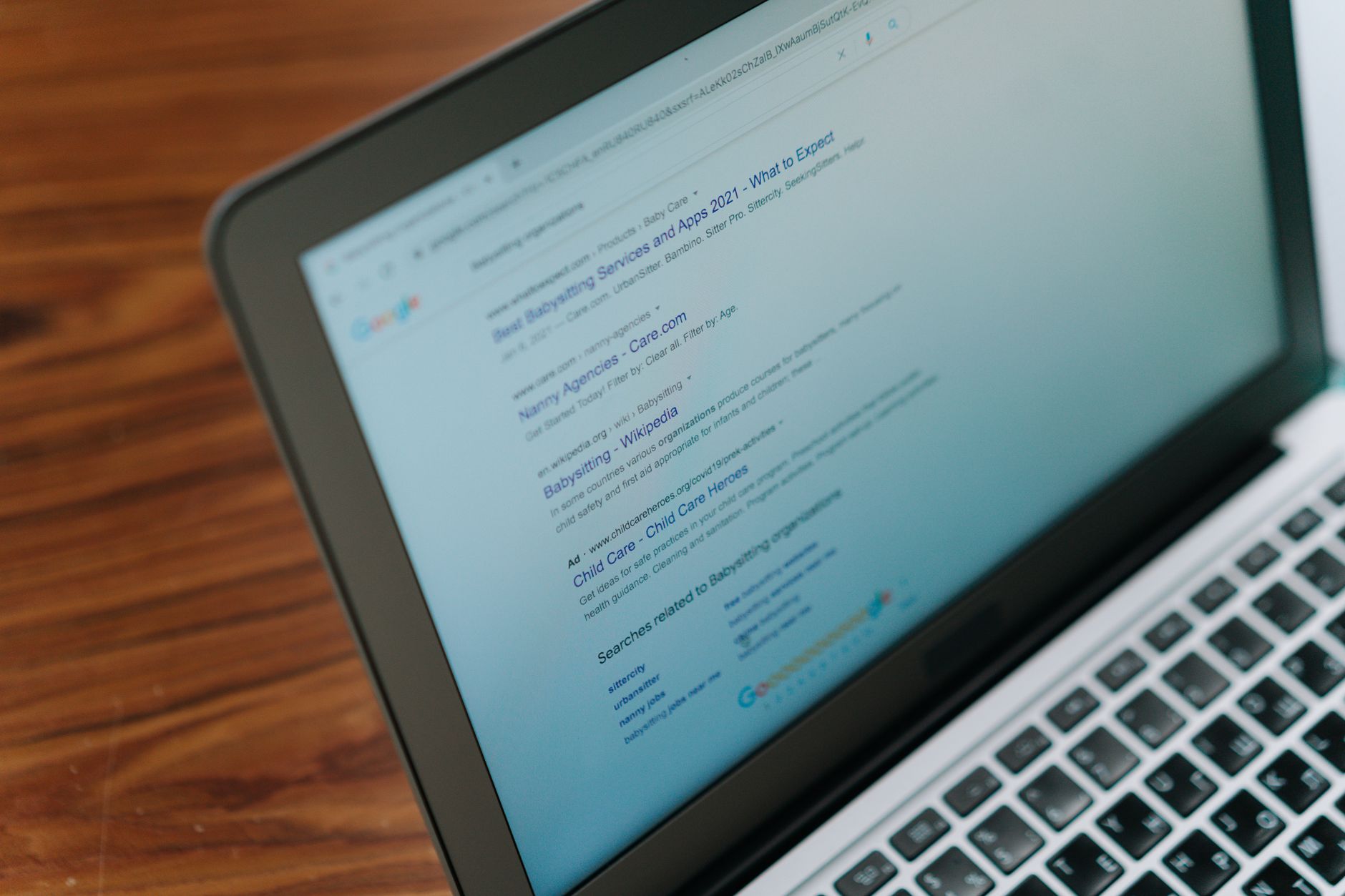
Perplexity is a search-first AI. You type a question, and it returns a short answer with numbered citations linked to sources. That is the core difference from ChatGPT and Gemini. The free plan gives you unlimited quick searches and three Pro searches per day. A Pro search uses deeper reasoning, multiple models, and longer answers. The paid tier costs $20 per month or $200 per year. Perplexity also sells an API for developers, but most individuals will use the app or web interface.
In my tests, Perplexity was the fastest tool for fact-checking product pricing and recent news. It rarely refused a question. It surfaced primary sources, vendor pages, and Reddit threads without forcing me to open ten tabs. The Pro plan lets you switch between models like GPT-4o, Claude Sonnet, and Gemini. That flexibility is useful when one model stalls or gives a weak summary. For content teams that need citations, Perplexity fits many workflows. Our look at the best AI SEO tools shows where cited research plugs into content planning.
Not everything is perfect. Perplexity sometimes misreads the source context or pulls a quote from a low-authority blog. You still need to click through and verify. The free tier is genuinely useful, but three Pro searches per day goes fast if you ask multi-step questions. Another issue: writing output feels more like a search summary than polished prose. If your goal is long-form drafting, pair Perplexity with a writing model. G2 reviewers often note the strong citation feature but also mention inconsistent depth on niche topics. You can read user reviews on G2.
Key strengths:
- ✅ Returns numbered citations with direct source links so you can verify claims
- ✅ Free tier includes unlimited quick searches and three Pro searches daily
- ✅ Pro lets you switch between GPT-4o, Claude, and Gemini models
- ✅ Fast real-time answers for news, pricing, and product comparisons
- ❌ Free Pro search limit disappears after three complex queries per day
- ❌ Answer depth varies on niche or academic topics
- ❌ Writing style is summary-like, not polished long-form content
Who it’s for: Choose Perplexity if you regularly need current, cited answers and are tired of opening ten browser tabs.
2. ChatGPT , Best for multimodal writing and coding
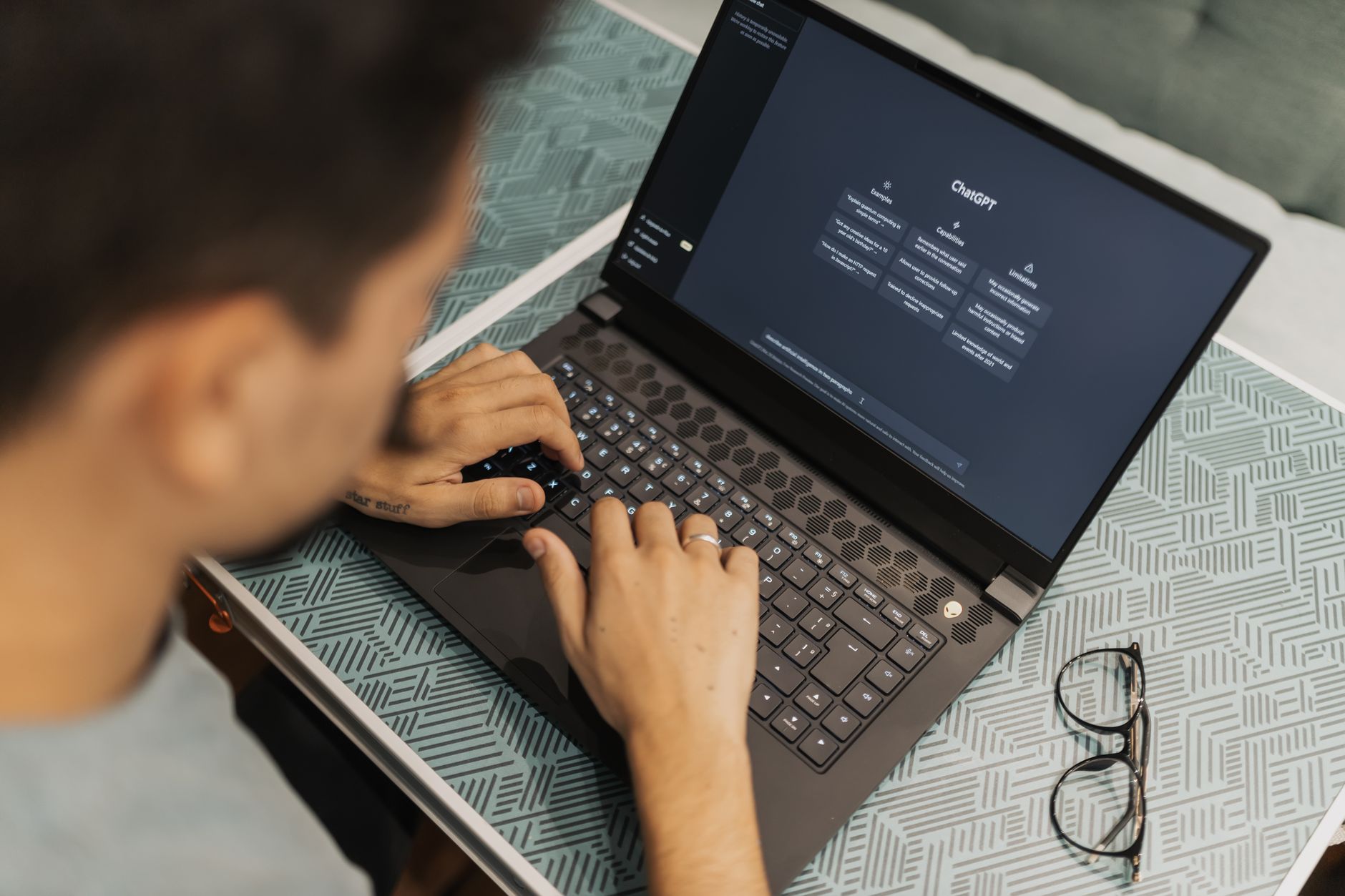
ChatGPT remains the broadest assistant. It writes, codes, generates images, and now has its own search tool. The free tier includes limited GPT-4o messages, while ChatGPT Plus costs $20 per month. The paid plan adds higher message limits, memory, and access to DALL-E image generation. For search, ChatGPT can browse the web, but it often returns fewer direct citations than Perplexity. It prefers a synthesized answer with a source list at the end. That can be fine for general knowledge but slower to verify.
I use ChatGPT for drafting and editing more than research. It handles long-form blog structures, messy notes, and code snippets better than Perplexity. Memory also makes it feel personal. It recalls your tone, audience, and past projects. For writing-focused workflows, our ChatGPT hub goes deeper into pricing, limits, and prompts.
ChatGPT’s weaknesses as a search engine are real. It can hallucinate sources if search fails or if the model fills gaps. It also pushes its own summary over raw source context. That is risky for research where exact numbers matter. In my tests, ChatGPT Plus was slower than Perplexity for breaking news questions but better at explaining why a piece of information mattered. It is less a search engine and more a creative generalist.
Key strengths:
- ✅ Strong writing, coding, and multimodal capabilities
- ✅ Personal memory and project context across chats
- ✅ Plugins and custom GPTs extend workflows
- ✅ Image generation included in the $20/month plan
- ❌ Search citations are less direct and fewer than Perplexity
- ❌ Can hallucinate sources when web access fails
- ❌ Generalist focus means less depth for pure research
Who it’s for: Choose ChatGPT if your work spans writing, coding, image generation, and occasional web research.
3. Claude , Best for long document analysis
Claude is the quiet overachiever for long documents and careful reasoning. The free tier gives you a 32K context window, which is enough for a long article or a small report. Claude Pro costs $20 per month and expands the context window to 200K tokens. That means you can paste a 300-page PDF and ask questions without breaking the document into chunks. Perplexity does not match that. Claude also tends to refuse less and explain its reasoning more cleanly.
As a search tool, Claude is uneven. It can browse the web if needed, but its real strength is analyzing what you already have. I use Claude for legal summaries, financial reports, and comparing two versions of a document. The writing style is more natural than ChatGPT for long-form content. For a closer look, our Claude review covers pricing and limits.
For live search, Claude falls behind Perplexity. Its web browsing is not as fast, and it sometimes misses recent news if the search query is too specific. You also get fewer citations in the final answer. The 200K context window is valuable, but it does not matter if you need current data. Claude Pro is a better research assistant for long uploaded documents than for real-time web queries.
Key strengths:
- ✅ 32K free context window, 200K on Pro
- ✅ Excellent for long document analysis and extraction
- ✅ Careful reasoning and natural writing tone
- ✅ Handles messy, multi-part instructions well
- ❌ Web search is slower and less citation-heavy than Perplexity
- ❌ No image generation in the standard Pro plan
- ❌ Current events can be missed without explicit search prompts
Who it’s for: Choose Claude if you work with long PDFs, contracts, or need nuanced long-form drafting.
4. Gemini , Best for Google Workspace users
Gemini Advanced costs $19.99 per month and plugs directly into Gmail, Docs, Drive, and Google search. The free tier includes a 32K context window and basic AI features. The paid plan adds a 1 million token context window in some configurations, Google One storage, and Deep Research. Deep Research is the closest Google feature to Perplexity’s cited search. It builds a multi-page report with sources, but it takes minutes, not seconds.
In my testing, Gemini’s Google integration is unmatched. You can ask it to summarize a Google Doc without copying text. It drafts emails with context from your inbox. The AI overviews in Google search are convenient, but they often lack the source-forward design of Perplexity. For users already paying for Google Workspace, Gemini Advanced is a natural add-on. Our Gemini guide breaks down the tiers.
The downsides are real. Gemini can be wordy and indirect. It sometimes avoids a sharp answer to stay safe. In side-by-side prompts, Perplexity returned a clear cited answer faster than Gemini’s Deep Research. The 1 million token context window is impressive, but few people need it daily. If you live inside Google Workspace, Gemini is worth it. For pure search, Perplexity still feels faster.
Key strengths:
- ✅ Native Google Workspace integration for Gmail, Docs, and Drive
- ✅ 1 million token context window on Advanced
- ✅ Deep Research produces polished, sourced reports
- ✅ Google One storage included with Advanced
- ❌ Answers can be indirect and overly cautious
- ❌ Citation design is less source-forward than Perplexity
- ❌ Deep Research takes minutes, not seconds
Who it’s for: Choose Gemini if you are locked into Google Workspace and want one assistant across email, docs, and search.
Frequently Asked Questions
Is Perplexity AI free to use?
Yes. The free tier includes unlimited quick searches and three Pro searches per day. Pro searches use deeper reasoning, longer answers, and access to multiple models.
Does Perplexity cite its sources?
Yes. Perplexity returns numbered citations with direct links to sources inside every answer. You can click through to verify claims instead of trusting a summary.
Is Perplexity better than ChatGPT for research?
For current events and cited research, Perplexity is usually faster and more transparent. ChatGPT is stronger for writing, coding, image generation, and tasks that require memory.
Can Perplexity replace Google search?
For factual lookups and research summaries, partly. It lacks the visual shopping, maps, and local business depth of Google. It is best as a research layer, not a full search replacement.
What models does Perplexity Pro use?
Perplexity Pro lets you switch between models such as GPT-4o, Claude Sonnet, and Gemini, depending on current availability. This flexibility helps when one model gives weak results.
Does Perplexity have an API?
Yes. Perplexity offers an API with usage-based pricing for developers. Most individual users will find the web app and mobile app sufficient.
What Should You Remember?
- Best for cited search: Perplexity leads with numbered sources and fast real-time answers.
- Free tier: Three Pro searches per day is enough to test but not enough for heavy work.
- Pricing: Perplexity Pro costs $20 per month or $200 per year, matching ChatGPT Plus.
- Model choice: Perplexity Pro lets you switch between GPT-4o, Claude, and Gemini models.
- Writing weakness: Perplexity summarizes well but does not replace ChatGPT or Claude for polished long-form drafting.
- Google users: Gemini Advanced wins if you live inside Gmail, Docs, and Drive.
- Claude strength: Claude Pro handles 200K tokens and is best for long uploaded documents.
This article is for general information only. AI tool capabilities, pricing, and features change frequently , always verify current details on the vendor’s own site. Some links may be affiliate links that support this site at no cost to you.