In early 2026, research workflows have shifted. You no longer need to keep a dozen tabs open while you manually cross-check papers, reports, and news articles. A good AI research tool can retrieve, summarize, and even compare sources in seconds. Stanford’s AI Index tracks accelerating adoption of generative tools in knowledge work, and the data is clear: researchers are using these systems for more than grammar fixes. The problem is choosing the right one. Perplexity AI and ChatGPT look similar on the surface, but they solve different parts of the research problem.
We tested both tools side by side for two weeks using academic papers, market reports, company filings, and straight factual questions. The goal was not to crown a single winner for every task. It was to identify which tool you should open first, which one you should pay for, and where each will waste your time. If you are new to AI assistants, our best AI chatbots guide covers the broader field. This comparison focuses narrowly on research in 2026.
Three factors matter most in research: citation quality, context window, and reasoning depth. Perplexity Pro costs $20 per month and is built around source retrieval. ChatGPT Plus also costs $20 per month but is built around general reasoning and document synthesis. The free tiers are not equal either. Perplexity limits Pro searches daily, while ChatGPT gives you a slower model with a 32,000 token window. For details on each platform, see our Perplexity and ChatGPT pages.
We will not repeat marketing claims. Instead, we will tell you what actually happens when you ask each tool to answer a hard research question. That includes the moments when Perplexity misses nuance because it optimizes for speed, and the moments when ChatGPT gives you a fluent summary with no source link. If your research feeds into writing, you may also want to read why AI writing sounds robotic later. For now, the question is simple: which tool earns a spot in your browser tab?
How Do the Top Options Compare?
| Tool | Best For | Free Tier | Paid Plan | Citation Quality |
|---|---|---|---|---|
| Perplexity AI | Citation-backed search | 5 Pro searches per day | $20/month Pro | Always cites sources |
| ChatGPT | Deep reasoning and drafting | GPT-4o mini, 32K context | $20/month Plus | Only when prompted |
| Claude | Long technical documents | Limited prompts | $20/month Pro | No built-in search |
| Gemini | Google Workspace research | Limited Gemini | $19.99/month Advanced | Uneven |
Free tier limits shift often. Prices are public list prices as of early 2026. Context windows vary by model and plan, so check vendor pages before buying.
1. Perplexity AI , Best for citation-backed research and fast source discovery

Perplexity AI feels like a search engine that argues with you. You type a question, and the answer arrives with numbered citations. In testing, source links mostly resolved to real papers, company docs, and news pages. This alone cuts verification time. The free tier includes 5 Pro searches per day, enough for light work but not for heavy research. Pro search runs $20 per month and gives you more powerful model choices. That is the same price as ChatGPT Plus, but the value proposition is different.
Perplexity’s advantage is not deep reasoning. It is retrieval. Ask for a market size, and you get a one-paragraph answer with four links. Ask for a comparison across three studies, and you can scan the sources immediately. The tool sometimes misses nuance in contradictory evidence, especially when a question requires synthesizing multiple viewpoints. User reviews on G2 often praise the citation workflow for quick fact checks.
For literature reviews, the speed is hard to beat. You can ask follow-up questions and Perplexity keeps context. It handles PDF uploads on the Pro plan, but the experience is less polished than Claude for long document analysis. If your research question changes quickly, this is the right starting point. For deeper write-ups, pair it with best AI data analysis tools or another drafting model.
Key strengths:
- ✅ Answers come with inline citations and source links
- ✅ Real-time web retrieval without manual browsing
- ✅ Search focus reduces hallucinated claims
- ✅ Clean interface for rapid question iteration
- ✅ Pro plan unlocks stronger models and longer queries
- ❌ Limited free-tier Pro searches daily
- ❌ No true long-form document drafting mode
- ❌ Weaker for creative writing and multi-turn reasoning than ChatGPT
Who it’s for: Researchers who need traceable answers quickly and do not want to paste links manually.
2. ChatGPT , Best for deep reasoning and flexible research analysis
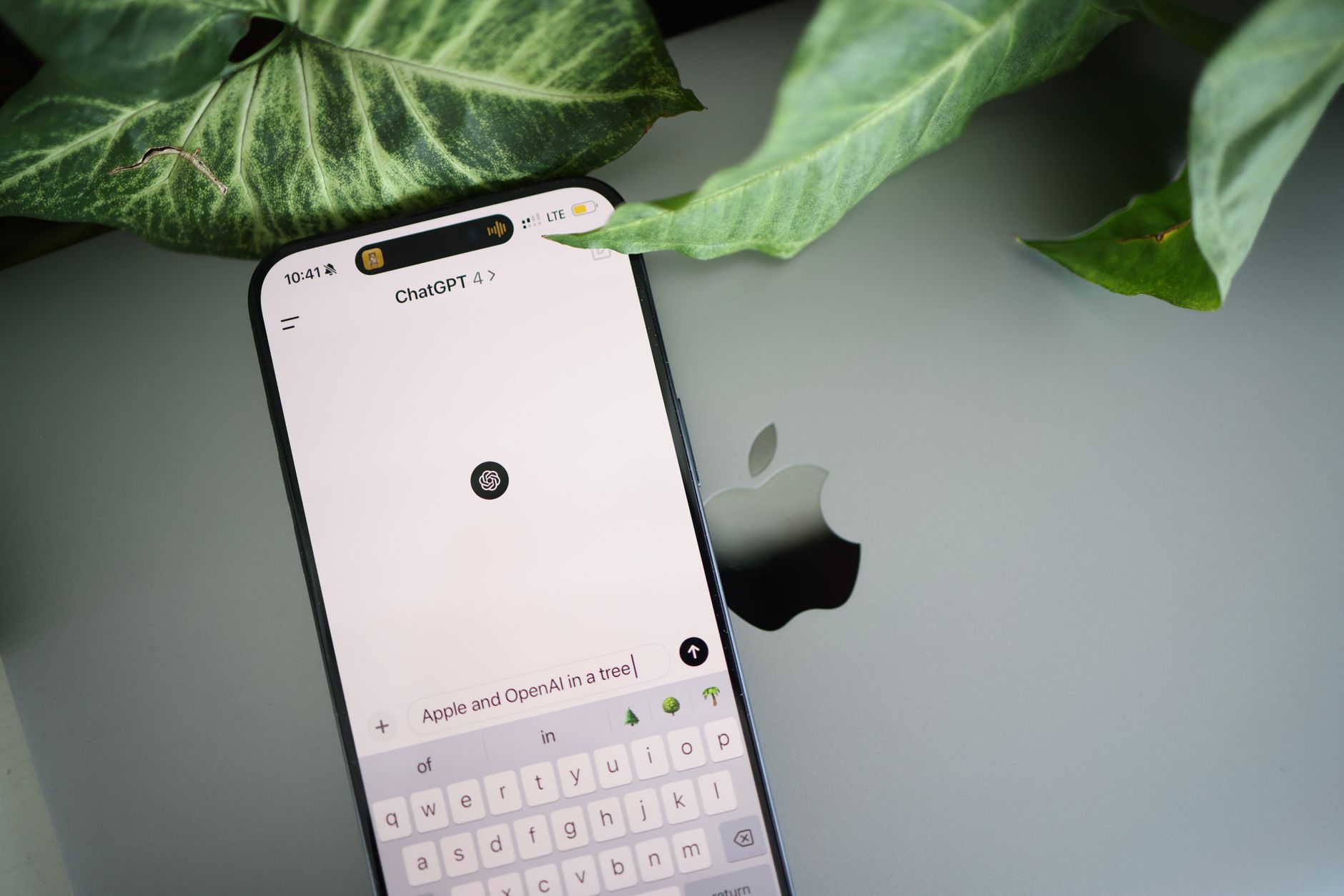
ChatGPT has moved well beyond a chatbot. In 2026 the Plus plan costs $20 per month and gives you access to models with 128,000 token context windows. The free tier is more limited, capping some users at a 32,000 token window and slower response times. For research, that means you can paste long sections of a paper and ask for structured summaries. You will not get automatic citations, but you can prompt the model to list sources. Verification remains your job.
The real strength is synthesis. ChatGPT can read a dense academic paper, identify the argument, compare it with another PDF, and draft a literature review in paragraphs. It also ranks well on reasoning benchmarks. The downside is that its training data has a cutoff, and web access requires the right prompt or model mode. When I tested questions about 2024 and 2025 studies, ChatGPT frequently needed explicit instructions to search the web.
If you are already using ChatGPT for writing, check our ChatGPT prompts for SEO blog posts guide. For research, the tool works best when you supply the documents. Upload PDFs, spreadsheets, and your notes, then ask it to identify gaps or contradictions. It can generate a full report with headings and bullet points. But be careful: the writing can sound uniform. You may want to run outputs through feedback from AI writing lacks human touch before submitting.
Key strengths:
- ✅ Handles long documents and multi-step analysis
- ✅ Can generate reports, summaries, and outlines
- ✅ Strong benchmark scores on reasoning tasks
- ✅ Flexible for both research and writing
- ✅ Custom GPTs let you load specific sources
- ❌ Free tier has slower models and lower context
- ❌ No automatic source citations unless you ask
- ❌ Can still hallucinate and needs verification
Who it’s for: Researchers who need a thinking partner for complex synthesis and drafting.
3. Claude , Best for long technical documents and safety-conscious analysis
Claude earns a spot in this comparison because researchers often ask whether to use Perplexity, ChatGPT, or Claude for long documents. Claude Pro is $20 per month, and the headline feature is the 200,000 token context window. You can upload an entire PhD thesis and ask precise questions about methodology. In my testing, Claude rarely lost track of details across a 150-page PDF.
The tone is more careful than ChatGPT. Claude tends to qualify claims and refuse when evidence is thin. That is useful for literature reviews where false confidence causes real problems. The main weakness is web retrieval. Some versions of Claude include search, but it is not the default strength. Perplexity beats it for fast source discovery.
If your research involves brand voice or turning technical summaries into readable prose, see Claude and best AI writing tools for brand voice. Claude also works well with structured prompts. But it is not a replacement for a search engine. Use it as a reading and synthesis assistant, then verify claims elsewhere.
Key strengths:
- ✅ 200K context handles large research papers
- ✅ Strong at summarizing dense technical material
- ✅ Careful, nuanced writing style
- ✅ Good upload support for PDFs and datasets
- ❌ No built-in web search in all versions
- ❌ Slower for simple tasks
- ❌ Fewer integrations than ChatGPT
Who it’s for: Researchers working with long documents who value careful summarization.
4. Gemini , Best for Google Workspace research and multi-modal search
Gemini Advanced costs $19.99 per month and includes a 1,000,000 token context window in some versions. That is enormous. You can load multiple reports, spreadsheets, and presentations without hitting the wall. For researchers who live in Google Workspace, Gemini can pull directly from Gmail, Drive, and Docs. This integration saves time when you are collecting sources.
The multi-modal capability is strong. You can show Gemini a screenshot of a chart and ask for the trend. You can upload a slide deck and request a plain-English summary. Google search access gives it real-time information in some use cases. But citations can be uneven. Perplexity remains more reliable for source links.
Gemini is a solid general research assistant, but the interface can feel busier than Perplexity. It also pushes Workspace features that require a Google account. For deeper data work, our best AI data analysis tools roundup lists alternatives. For quick, cited answers, start with Perplexity. For long document synthesis, Claude or ChatGPT may be better.
Key strengths:
- ✅ Huge 1M token context captures entire document sets
- ✅ Deep Google Workspace integration
- ✅ Strong multi-modal understanding for charts and images
- ✅ Real-time Google Search access in some versions
- ❌ Citations can be uneven
- ❌ Interface less streamlined for pure research
- ❌ Some features locked to Google accounts
Who it’s for: Researchers deep in Google Workspace who need multi-modal and long-context analysis.
Frequently Asked Questions
Is Perplexity better than ChatGPT for academic research?
For finding and citing sources quickly, yes. Perplexity returns inline citations and links with every answer. ChatGPT is better once you have your sources and need to synthesize them into a longer argument or literature review.
Does ChatGPT cite sources automatically?
No. ChatGPT only cites sources when you explicitly ask. Even then, you must verify that the sources are real and that the links work. Perplexity was built to cite sources by default.
Which tool is more cost-effective for students?
Both Perplexity Pro and ChatGPT Plus cost $20 per month. The free tiers differ. Perplexity gives a small number of Pro searches daily. ChatGPT gives a slower model and a smaller context window. Students who mostly need source finding may prefer Perplexity.
Can Perplexity read PDFs?
Yes, Perplexity Pro supports PDF uploads. But for very long technical documents, Claude and ChatGPT often handle deeper analysis more reliably. Perplexity is stronger for quick source retrieval from web content.
Is ChatGPT Plus worth it for research?
It depends on your workflow. If you upload multiple PDFs, ask for comparisons, and generate structured summaries, ChatGPT Plus is strong. If you mostly need cited answers to factual questions, Perplexity Pro is usually faster.
Does Claude have web search for research?
Some versions of Claude include web search, but it is not the primary strength. Claude excels at long document analysis and careful summarization. Perplexity remains better for live source discovery.
What Should You Remember?
- Perplexity wins for citations: pick it when you need traceable answers fast.
- ChatGPT wins for deep synthesis: use Plus when you must merge multiple documents into a report.
- Free tiers differ sharply: Perplexity limits Pro searches, ChatGPT limits context and model.
- Verification is still your job: neither tool eliminates the need to check primary sources.
- Claude for long PDFs: 200K context handles entire theses better than most.
- Gemini for Google users: 1M context plus Workspace integration saves source collection time.
This article is for general information only. AI tool capabilities, pricing, and features change frequently , always verify current details on the vendor’s own site. Some links may be affiliate links that support this site at no cost to you.