Remaker AI shows up in every roundup of AI photo tools and in about half the TikTok tutorials about face swaps. That kind of visibility makes it hard to tell whether the product is genuinely good or just well marketed. We spent three weeks running the same four jobs through it and four competitors: a portrait face swap, a five-second product clip, a low-resolution photo upscale, and a background removal on a curly-haired subject. The results were uneven in ways that actually matter. Remaker is fast and cheap, and it is also the tool most likely to hand you a melted ear or a floating hairline. This comparison breaks down exactly when that tradeoff is worth it.
Methodology first. We tested on a 2021 MacBook Air and a mid-range Android phone, using the browser version and the mobile app where one existed. Every tool got the same source files and the same deadline of 20 minutes per job. We scored output quality, time to first usable result, and how much of the free allowance disappeared before we finished. Pricing came from each vendor’s own pricing page, not from affiliate roundups. Where a vendor listed several tiers we used the cheapest paid plan, because that is what most people actually buy.
The timing matters here. Short-form video now drives a large share of discovery for small brands, and the tooling that produces those clips has collapsed from a $500 software stack into a single browser tab. Reviewers on G2 consistently rank ease of use above raw output quality in this category, which explains why Remaker AI keeps winning business despite trailing on benchmarks. If you want the wider picture, our best AI video generators roundup covers 11 tools and the free AI tools roundup covers every no-cost option worth installing.
One caveat before the breakdown. Remaker AI is not a writing tool, and this site covers a lot of writing software. We are including it because the workflow overlaps more than people admit. The person who cuts a product clip in Remaker is usually the same person who still needs a script, a caption, and a subject line to go with it. That is why ChatGPT appears in this comparison as a companion rather than a rival. Every recommendation below is based on the files we ran, not on demo reels. Read the sections in order and you will see where each tool stops being useful and where the handoff to the next one begins.
How Do the Top Options Compare?
| Tool | Best For | Free Tier | Starting Price | Standout Strength |
|---|---|---|---|---|
| Remaker AI | All-in-one photo and video edits | Starter credits, watermarked exports | About $9.99/mo | Face swap plus video generator on one dashboard |
| Runway | Cinematic AI video | 125 one-time credits | $12/mo billed annually | Camera and motion controls |
| Midjourney | Still image quality | None | $10/mo | Consistent style across an image set |
| CapCut | Free editing with AI helpers | Yes, 1080p exports | $9.99/mo Pro | Auto captions and one-tap effects |
| ChatGPT | Scripts, hooks, and prompt drafting | Limited free messages | $20/mo Plus | Turns an idea into a shot list in seconds |
Prices reflect what each vendor listed publicly at the time of writing and they change often. Credit allowances on Remaker AI and Runway are one-time or monthly and do not roll over. Check the vendor pricing page before you commit to an annual plan, and remember that the cheapest tier rarely includes commercial licensing on every tool.
1. Remaker AI , Best for all-in-one photo and video edits
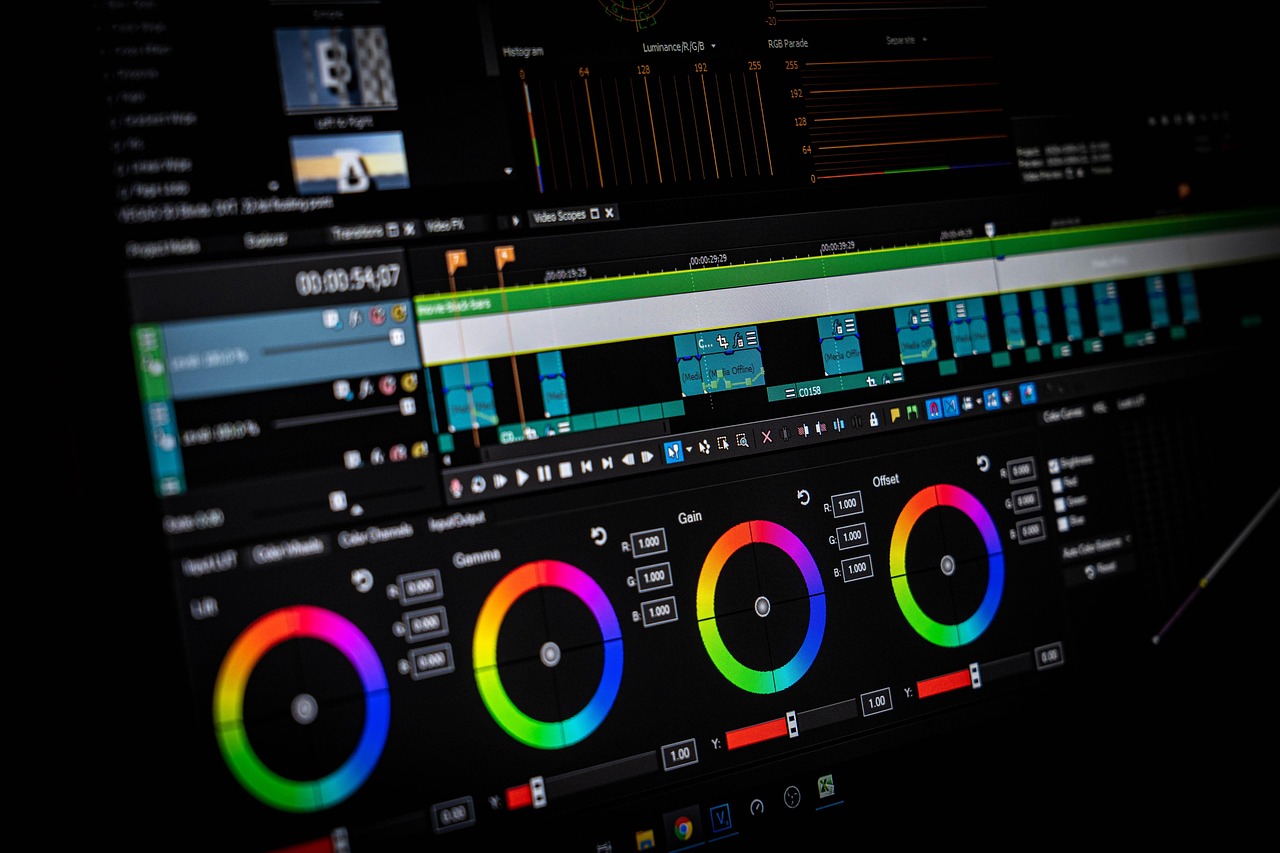
Remaker AI is a web dashboard with roughly a dozen tools behind one login: face swap, AI video generator, image enhancer and upscaler, background remover, watermark remover, AI headshot generator, and a photo colorizer. The pitch is that you never open Photoshop or Premiere for a social clip again. In practice it delivers on about 70% of that promise, which is better than most of its competitors manage.
The face swap tool is the reason most people sign up, and it is genuinely the strongest part of the product. Group photos, couple shots, and straight-on profile pictures come out clean in under a minute. Feed it a three-quarter angle with sunglasses and the seams show. Hairlines blur, jaw edges soften, and the light on the swapped face rarely matches the scene. You get a usable meme, not a usable headshot.
Video generation is the second draw and the place where the credit system bites. Clips run a few seconds at a time, and the free starter allowance disappears after a handful of renders. Free-tier exports come out watermarked. Paid plans start around $9.99 per month, which is cheap next to Runway but only makes sense if you are producing several clips a week rather than one a quarter.
On photo cleanup, the upscaler and background remover hold their own. Curly hair gave the background remover a small halo, but it beat two browser rivals on the same file. The headshot generator is the weakest paid feature. It flatters the source photo but does not fix bad lighting, and the output has a soft, over-smoothed look that recruiters notice.
Key strengths:
- ✅ One credit balance covers face swap, video, upscaling, and background removal, so you are not juggling four separate subscriptions.
- ✅ Face swap handles group photos and straight-on portraits with fewer artifacts than most free web tools we tried.
- ✅ Setup takes about two minutes. No install, no GPU, no render queue, and it works the same on a phone.
- ✅ Export presets are already sized for TikTok, Reels, and Shorts, which saves a step every single time.
- ❌ Free exports carry a watermark and the starter credit allowance runs out after a handful of video renders.
- ❌ Face swap falls apart on profile angles, sunglasses, and heavy shadows, and it does not warn you before you spend the credit.
- ❌ There is no timeline editor, so anything longer than a short clip needs a second app.
Who it’s for: Choose Remaker AI if you need fast, social-ready edits and do not want to pay for separate image and video subscriptions.
2. Runway , Best for cinematic AI video
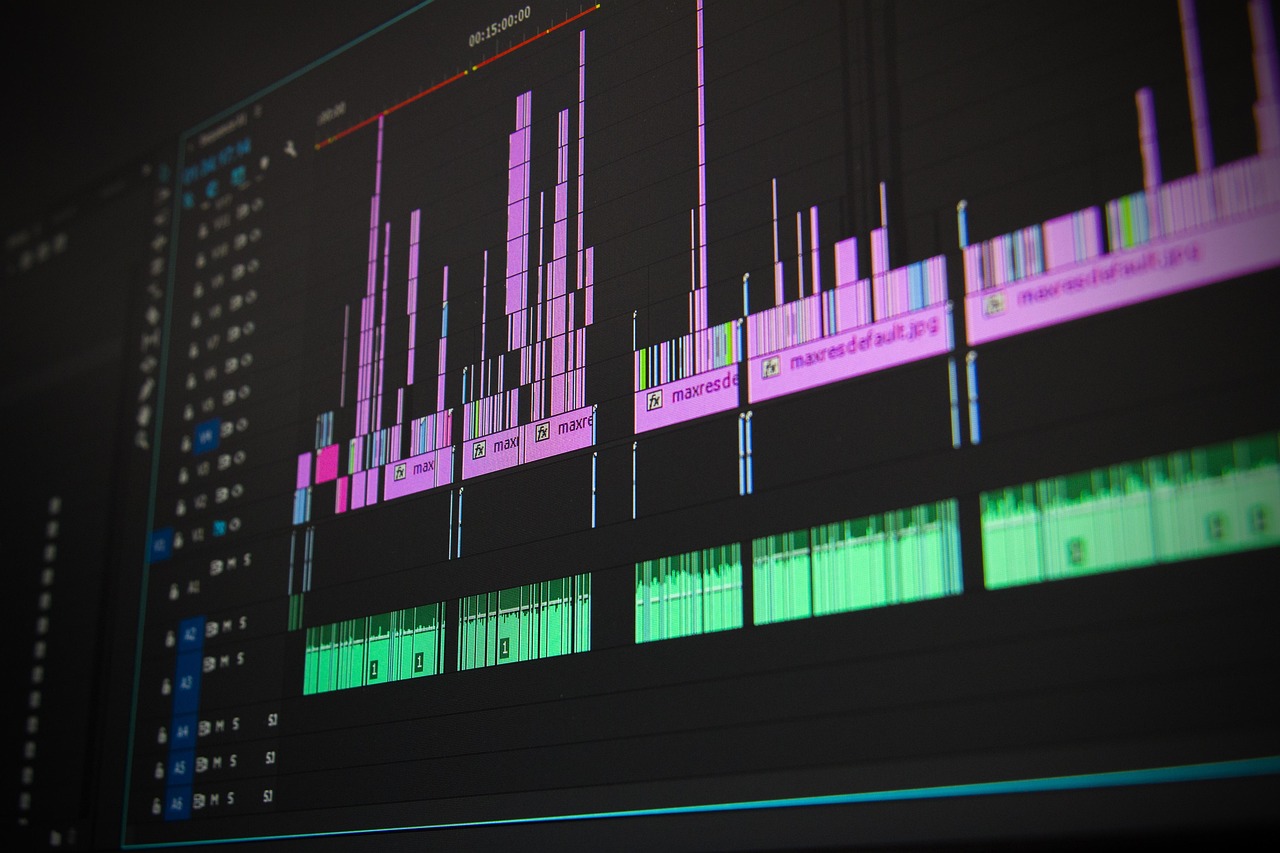
Runway is the tool Remaker AI gets compared to when people care about motion quality. Its Gen-3 family of video models produces camera moves that read as intentional, with real parallax and believable shadows. Feed it a still product shot and it will generate a slow push-in that looks like it came off a gimbal. Nothing else in this price bracket gets close on that specific job.
The catch is credit economics. The free plan hands out 125 one-time credits, which is enough to learn the interface and not much else. Standard runs $12 per month billed annually or $15 month to month, and a single 10-second generation at top quality can eat a meaningful slice of that. Buyer reviews on Capterra flag credit burn as the most common complaint across tools in this category, and Runway is no exception.
Runway also does almost nothing outside video. There is no face swap tool, no background remover for stills, no photo upscaler. If your week involves both photo edits and video, you are paying for two subscriptions whether you like it or not. The editing interface is also a real learning curve. Expect a couple of hours before the camera control panel stops looking like a cockpit.
Where it earns its money is consistency. Once you find a prompt and motion setting that works, you can reproduce the look across a dozen clips. That matters for anyone building a channel rather than posting one-off memes.
Key strengths:
- ✅ Motion quality is a clear step above budget generators, with believable parallax and clean shadows.
- ✅ Camera controls give you push, pan, and tilt without re-prompting from scratch.
- ✅ Image-to-video is reliable enough to build a product teaser from stills you already own.
- ✅ Output is consistent once you lock a prompt, which makes a series of clips look like a series.
- ❌ Credits disappear fast at high quality, and the 125 free credits are one-time only.
- ❌ No photo tools at all, so Remaker-style edits still need a second subscription.
- ❌ The interface takes hours to learn and rewards patience more than it rewards speed.
Who it’s for: Pick Runway if the clip itself is the product and you are willing to pay for motion that looks deliberate.
3. Midjourney , Best for still image quality
Midjourney remains the reference point for still image quality, and the gap has not closed as much as competitors claim. A portrait generated on the $10 Basic plan has better light, better skin texture, and better composition than anything Remaker AI produces from a prompt. The style reference feature lets you feed in a mood board and keep a consistent look across an entire product line, which is the single most useful trick in the tool.
There is no free tier. That is the hardest part to swallow in a market where everyone else hands out credits. The Basic plan at $10 per month gives you roughly 200 generations, and the Standard plan at $30 adds a relaxed mode that makes bulk work practical. For anyone producing more than 20 images a week, the maths works out fine. For a one-off project, it does not.
Where Midjourney loses is everything that is not a still. There is no face swap, no video, no background removal, no upscaler that competes with a dedicated tool. It also lives in a web app now rather than Discord, but the prompt syntax still rewards people who read documentation. Our Midjourney deep dive covers the parameter list if you want to skip that step.
Treat Midjourney as the top of a funnel. Generate the hero image there, then take it into Remaker or CapCut for the edit and the motion. That combination beats either tool used alone, and it is the workflow most working designers actually run.
Key strengths:
- ✅ Image quality leads the category, especially on portraits, product shots, and stylized illustration.
- ✅ Style reference keeps a consistent look across a full campaign instead of one lucky frame.
- ✅ Upscaling and variation tools let you refine a near-miss instead of starting over.
- ✅ The $10 Basic tier is cheap enough to keep running between projects.
- ❌ No free tier at all, so you cannot test it against your own source material before paying.
- ❌ Prompt syntax has a real learning curve and punishes vague input.
- ❌ Zero overlap with video or face swap, so it never replaces Remaker on its own.
Who it’s for: Use Midjourney when the final asset is a still image and aesthetic quality outranks convenience.
4. CapCut , Best free editing with AI helpers
CapCut is what most people actually use when they say they edited a video on their phone. The free plan covers 1080p exports, auto captions, background removal on video, and a library of transitions that are tuned for short-form platforms. Auto captions alone justify the install. They are accurate enough on clear audio that fixing them takes a couple of minutes rather than a full rewrite.
The Pro plan at $9.99 per month adds 4K export, premium effects, and a larger asset library. Whether that is worth it depends entirely on whether your clients ask for 4K. Most social platforms recompress anyway, so for organic posting the free tier is genuinely enough.
The weakness is anything that needs a real edit. CapCut is fast at assembling and slow at precision. Keyframes are fiddly, multicam does not exist, and the AI effects look like AI effects. It also pushes templates hard, which is why so many CapCut videos share the same rhythm and the same three transitions.
Where it beats Remaker is volume. You can cut a 60-second video with captions for free, then use Remaker only for the face swap gag at the start. Our best AI video tools guide covers the mobile editors that come closest to CapCut on price.
Key strengths:
- ✅ Free 1080p exports with auto captions, which is the single best free combination available.
- ✅ Background removal on video works well enough for talking-head clips with a clean backdrop.
- ✅ Mobile and desktop versions stay in sync, so a project started on a phone can be finished on a laptop.
- ✅ Template library is enormous and tuned for the platforms people actually post to.
- ❌ AI effects are heavy-handed and instantly recognizable as CapCut output.
- ❌ Precise editing is frustrating, with limited keyframe control and no multicam.
- ❌ 4K export and the better effects sit behind the $9.99 Pro plan.
Who it’s for: Use CapCut if you need to ship volume on a zero budget and the edit does not need frame-level precision.
5. ChatGPT , Best for scripts, hooks, and prompt drafting
ChatGPT does not touch a single pixel, and that is exactly why it belongs in this comparison. The slowest part of a Remaker AI session is deciding what to make. A ten-minute conversation with ChatGPT produces a shot list, three hook variations, a caption, and a set of image prompts you can paste straight into Remaker or Midjourney. That front-loaded work cuts the render count roughly in half, because you stop guessing.
Pricing is simple. The free tier handles short scripts and prompt drafting with message limits, and Plus at $20 per month raises those limits and adds the stronger models. The OpenAI pricing page lists the current tiers in detail. For most people producing social content, the free tier is enough and the $20 is better spent on a video tool.
The output quality depends on the input. Ask for “a video script” and you get the same bland three-act structure everyone else gets. Give it the product, the audience, the platform, and the length, and the result is usable on the first pass. Our ChatGPT guide walks through the prompt structure that works for short-form scripts.
What it cannot do is judge its own output against a real edit. It will happily write a script that needs 14 separate renders. You still have to trim it down to what your credit balance can actually afford.
Key strengths:
- ✅ Turns a rough idea into a shot list and caption set in under ten minutes.
- ✅ Free tier covers most short-form scripting without hitting limits.
- ✅ Writes the image and video prompts that Remaker and Midjourney respond to best.
- ✅ Handles the caption, hashtag, and subject line work that the editing tools ignore.
- ❌ Cannot edit, generate, or export any image or video itself.
- ❌ Default output is generic unless you specify audience, platform, and length.
- ❌ Writes scripts that ignore your actual credit budget unless you tell it the constraints.
Who it’s for: Use ChatGPT as the planning layer before you open Remaker, not as a replacement for it.
Frequently Asked Questions
Is Remaker AI free to use?
There is a free entry point with a limited starter credit balance. Free exports carry a watermark and the credits do not renew, so anyone producing more than a few clips a month ends up on a paid plan starting around $9.99 per month.
What is Remaker AI actually good at?
Face swaps on straight-on portraits and quick social clips are its strengths. Photo upscaling and background removal are close to the paid competition. It is weakest on long video, odd head angles, and anything that needs frame-level control.
Is Remaker AI better than Runway?
Not on motion quality. Runway’s video models produce better camera movement and lighting. Remaker wins on price and on having photo tools sitting in the same dashboard as the video generator.
Can Remaker AI videos be used commercially?
That depends on your plan and on the source images you feed it. Paid tiers generally grant commercial use, but face swapping a real person without permission is a legal problem regardless of what the license says.
How long can a Remaker AI video be?
Generated clips are short, typically a few seconds per render. You can stitch outputs together in a separate editor, but Remaker itself has no timeline for longer sequences.
Do I need design skills to use Remaker AI?
No. Every tool is a single upload box plus presets. The tradeoff is limited manual control once the output looks wrong and you need to fix a specific region of the frame.
What Should You Remember?
- Choose Remaker AI for speed. It is the fastest path from a phone photo to a shareable clip, and the slowest to give you frame-level control.
- Budget credits carefully. The starter allowance vanishes after a few renders, and every free export comes out watermarked.
- Runway owns motion. If the clip needs to look cinematic, pay for Runway and accept the credit math that comes with it.
- Midjourney still wins stills. The $10 Basic plan beats every budget photo tool on raw aesthetic quality, with no free tier to test first.
- CapCut is the free safety net. Auto captions and 1080p exports cost nothing, which makes it the sensible default for volume work.
- Write the script before you render. ChatGPT handles hooks, captions, and prompt drafting in seconds and makes the actual edit faster.
This article is for general information only. AI tool capabilities, pricing, and features change frequently , always verify current details on the vendor’s own site. Some links may be affiliate links that support this site at no cost to you.