
Windsurf and Cursor are the two AI coding tools I get asked about most in 2026. I tested both on a Next.js dashboard, a Python data cleaning script, and a Rust CLI tool. The difference is not just brand loyalty. Windsurf uses a visual agentic workflow called Cascade that can read your repo, run commands, and propose multi-file edits. Cursor starts from a VS Code fork and gives you more control over models, keybindings, and extensions. Both can ship real code, but the day to day feel is very different. If you are trying to choose between them, the right answer depends on how much you want the tool to drive.
Pricing is the fastest way to narrow the list. Codeium publishes Windsurf plans on the Codeium pricing page. Cursor lists its current tiers on the Cursor pricing page. I started with free accounts, then upgraded each tool for two weeks. Windsurf Pro costs $15 per user per month. Cursor Pro costs $20 per month. Those prices look close, but the free tier limits are not. Windsurf gives you a smaller context window on free, while Cursor gives you a set number of premium model requests before switching to slower responses.
Agentic features now matter more than autocomplete. In 2026, both tools can apply edits across files, run terminal commands, and call external services through MCP servers. I tested both with a local Postgres database and a few API endpoints. That scenario exposed the biggest workflow difference: Windsurf pushes you toward a guided agent flow, and Cursor gives you a flexible agent you configure yourself. I also checked how these tools fit into broader automation stacks. If you want to connect coding assistants to other apps, our best AI automation tools roundup is worth a look.
User reviews on G2 show that satisfaction often hinges on speed and context handling. Some developers complain about Cursor using credits too quickly. Others note Windsurf’s context window feels tight when working with large TypeScript monorepos. I verified the pricing claims against vendor docs and cross-checked user complaints with my own testing. The comparison below skips hype and focuses on what each tool does well, what it does poorly, and who should pay for it.
How Do the Top Options Compare?
| Tool | Best For | Free Tier | Pro Price | Standout Feature |
|---|---|---|---|---|
| Windsurf | Visual agentic coding with Cascade | 50 flow actions per month, 32K context window | $15 per user per month | Cascade agent with command execution |
| Cursor | Deep VS Code customization and model choice | 2,000 completions, 50 slow premium requests | $20 per month | Multi-model agent with quick apply |
| GitHub Copilot | Teams already on GitHub | 2,000 completions, 50 chat requests | $10 per month | Native GitHub integration |
| Claude Code | Terminal-first developers and API users | No standalone free tier outside Claude Pro or Max limits | $20 per month via Claude Pro | Terminal agent with bash execution |
Free tier limits change often. Check Codeium and Cursor pricing pages before committing. Windsurf free tier may include a 32K context window; Cursor free tier includes 50 slow premium requests.
1. Windsurf , Best for visual agentic coding with Cascade
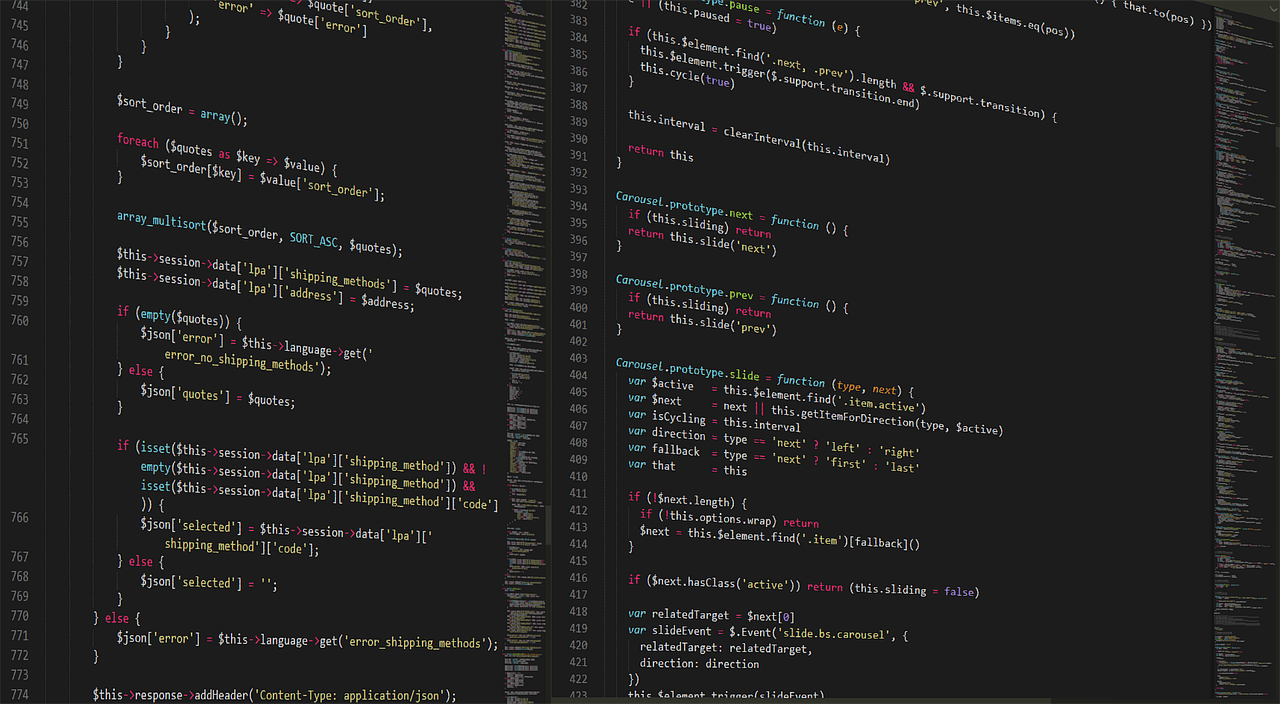
Windsurf feels like a guided agent rather than a passive autocomplete. Cascade scans your repo, asks clarifying questions, and can execute terminal commands after you approve. In my Next.js test, Cascade found a missing environment variable, updated three files, and ran the dev server without me switching windows. The free tier includes 50 flow actions per month with a 32K context window, according to Codeium’s current docs. That cap matters. A single multi-file feature can use several flow actions quickly.
Pricing is straightforward. Windsurf Pro costs $15 per user per month and includes 500 flow actions and more premium model usage. The Pro Ultimate plan jumps to $60 per user per month. In practice, Pro is enough for solo developers and small teams. I ran into the free tier’s 32K context window on a medium sized Laravel app. The agent still worked, but it occasionally forgot earlier file changes. If you build against MCP servers, Windsurf’s implementation is one of the easiest to set up, which may matter if you already use tools from our best MCP servers 2026 list. For small team budget choices, our best AI tools for small business guide compares alternatives.
The command execution model is both a pro and a risk. Cascade can run tests and start servers, but it asks permission first. I like that for safety. Some users want less clicking, but I prefer explicit approval before a terminal command touches my database. Windsurf also feels lighter than Cursor when working in large files. The editor is not a full VS Code clone. That means fewer extension conflicts, but it also means some plugins you rely on may not work.
Key strengths:
- ✅ Guided Cascade agent handles multi-file plans without leaving the editor
- ✅ Cheaper Pro plan at $15 per user per month compared with Cursor Pro
- ✅ Command execution asks for approval before running terminal actions
- ✅ MCP server setup is straightforward for extending the agent
- ✅ Less editor overhead than a VS Code fork
- ❌ Free tier context window caps at 32K, which is tight for large repos
- ❌ Extension support is not as broad as VS Code based tools
- ❌ Flow actions can run out quickly on complex features
Who it’s for: Choose Windsurf if you want a visual, guided agent that reduces context switching and costs less per month.
2. Cursor , Best for VS Code users who want model freedom

Cursor is built on a VS Code fork, so the learning curve is nearly zero if you already use that editor. Keybindings, themes, and many extensions carry over. The Agent mode can do multi-file edits, run commands, and use models from Anthropic, OpenAI, and Google. In my tests, Cursor’s code quality was strong, but I had to configure the model routing more than I did in Windsurf. The free tier includes 2,000 completions and 50 slow premium requests, while Pro costs $20 per month for 500 fast premium requests and unlimited slow requests. For a full breakdown, see our Cursor review.
Cursor’s biggest advantage is flexibility. You can set specific models for long context planning, fast autocomplete, and agent work. I used Claude Sonnet for complex refactoring and GPT-4o for quick edits. That model mixing is not possible in Windsurf’s more closed Cascade setup. The tradeoff is that Cursor’s interface has more knobs. New users sometimes feel lost in settings. I spent an afternoon tweaking rules, context files, and keyboard shortcuts before I liked the flow.
The context handling is stronger on paid plans. Cursor can index your repo and pull relevant snippets into the prompt. On a large codebase, that reduced hallucinations. But credit burn was real. During one debugging session, I consumed 30 fast premium requests in under an hour. That pushed me to slow requests for another project. If you already rely on VS Code extensions, you may prefer Cursor. But if your team uses many non-VS Code workflows, this advantage disappears.
Key strengths:
- ✅ Familiar VS Code fork with extensive extension support
- ✅ Model choice lets you route tasks to Claude, GPT, or Gemini
- ✅ Strong repo indexing and large context on paid plans
- ✅ Agent mode handles multi-file edits with quick apply
- ❌ Pro plan costs $20 per month, more than Windsurf Pro
- ❌ Credits burn quickly when using fast premium requests
- ❌ Settings and model routing can overwhelm new users
Who it’s for: Choose Cursor if you live in VS Code, want multiple AI models, and value config over guided flow.
3. GitHub Copilot , Best for teams already on GitHub
GitHub Copilot is the default choice for many teams because it lives where the code already is. The free tier includes 2,000 completions and 50 chat requests per month. Pro costs $10 per month as a standalone plan, though many developers get it through GitHub Pro or an organization plan. I used Copilot alongside Windsurf and Cursor. It is less agentic than either, but it is available in Visual Studio, JetBrains IDEs, and GitHub Mobile.
Copilot’s main strength is integration. Pull request summaries, code review helpers, and Copilot Workspace tie into GitHub Issues and Actions. That saves time if your workflow is already GitHub heavy. The downsides are meaningful. Multi-file agent work feels slower than Windsurf Cascade. The terminal integration exists, but it is not as central. For larger organizations, Copilot Business costs $19 per user per month, which can be less than paying for multiple standalone tools. Our GitHub Copilot review covers the team features in detail.
Model support has improved. Copilot can use GPT-4o, Claude Sonnet, and Gemini depending on your plan. In my tests, it was the safest option for junior developers because it often suggests conservative code and explains changes. But if you want a fast autonomous agent that runs commands and edits multiple files without constantly switching context, Windsurf or Cursor will feel more capable. Choose Copilot for organization wide rollout, not for the deepest agentic workflow.
Key strengths:
- ✅ Deep GitHub and VS Code integration for teams
- ✅ Lower entry price at $10 per month for Pro
- ✅ Works across Visual Studio, JetBrains, and GitHub Mobile
- ✅ Pull request and code review helpers save team time
- ❌ Agent mode is less advanced than Windsurf Cascade or Cursor Agent
- ❌ Multi-file edits feel slower in complex tasks
- ❌ Advanced features often require organization or Enterprise plans
Who it’s for: Choose GitHub Copilot if your team already uses GitHub and needs a safe, organization wide assistant.
4. Claude Code , Best for terminal-first developers and API users
Claude Code is a different animal. It runs in your terminal, reads repositories, writes files, and executes bash commands directly. There is no visual agent panel like Windsurf or Cursor. Instead, you type instructions and approve actions in the shell. I used Claude Code for a Python data pipeline and a Terraform refactor. It handled multi-step terminal work well, especially with Claude Sonnet’s long context. Pricing is not a fixed monthly credit bucket. You pay for API usage unless you are inside Claude Pro or Max limits.
The main drawback is setup. Claude Code requires terminal access and, for most serious use, an Anthropic API key. That means you need to monitor token spend. On one debugging task, I used $2.10 in API credits in a single afternoon. That is not a criticism. It is the price of direct model access. For developers who want full control and already script command line tools, Claude Code is excellent. For others, it feels less polished than Windsurf.
Claude Code can work with MCP servers and custom slash commands. That command line flexibility is real, but you have to learn it. I would not hand Claude Code to a junior developer as their first AI tool. Use it after you understand git, terminal commands, and how to read large diffs. If you use Claude Code for data pipelines, you may also want our best AI data analysis tools roundup.
Key strengths:
- ✅ Full terminal control and bash execution for scripting tasks
- ✅ Works with Claude Sonnet’s long context for large repos
- ✅ MCP and custom slash command support is strong
- ✅ Pay as you go API pricing for accurate cost control
- ❌ No visual agent panel like Windsurf or Cursor
- ❌ Requires terminal comfort and API key setup
- ❌ Costs can scale unpredictably if you leave it running
Who it’s for: Choose Claude Code if you are a terminal-first developer who wants direct model access and API level control.
Frequently Asked Questions
Is Windsurf better than Cursor in 2026?
Windsurf is better if you want a guided visual agent and lower Pro pricing. Cursor wins if you need VS Code extensions and model choice. Test both free tiers because your repo size and workflow matter more than the spec sheet.
How much does Windsurf cost?
Windsurf Pro costs $15 per user per month and includes 500 flow actions plus premium model usage. The free tier gives 50 flow actions per month with a 32K context window. Pro Ultimate is $60 per user per month.
How much does Cursor cost?
Cursor Pro costs $20 per month and includes 500 fast premium requests plus unlimited slow requests. The free Hobby plan includes 2,000 completions and 50 slow premium requests.
What is the biggest difference between Windsurf and Cursor?
The biggest difference is control. Windsurf guides you through Cascade and asks before running commands. Cursor hands you a VS Code fork with model routing, extensions, and more settings.
Which is better for beginners, Windsurf or Cursor?
Windsurf is often easier for beginners because the visual agent flow reduces setup. Cursor is better for beginners who already know VS Code and want familiar extensions.
Can Windsurf use MCP servers?
Yes, Windsurf supports MCP servers through its integration settings. You can connect tools like databases, search, and custom APIs. Our list of the best MCP servers covers useful starting points.
What Should You Remember?
- Windsurf wins on guided flow: The Cascade agent is easier for multi-file work without leaving the editor.
- Cursor wins on flexibility: Model choice and VS Code extensions make it the stronger power user pick.
- Pricing differs at the free tier: Windsurf caps context at 32K free, while Cursor limits premium credits.
- Cursor Pro costs $20 per month: Windsurf Pro is $15 per user per month, which may add up for teams.
- GitHub Copilot remains safer for organizations: It integrates with GitHub and costs $10 per month for Pro.
- Test with your own repo: Context handling and credit burn vary with codebase size, so free trials are essential.
- MCP support matters: Both Windsurf and Claude Code connect to external tools, but setup differs.
This article is for general information only. AI tool capabilities, pricing, and features change frequently , always verify current details on the vendor’s own site. Some links may be affiliate links that support this site at no cost to you.